EasyManua.ls Logo

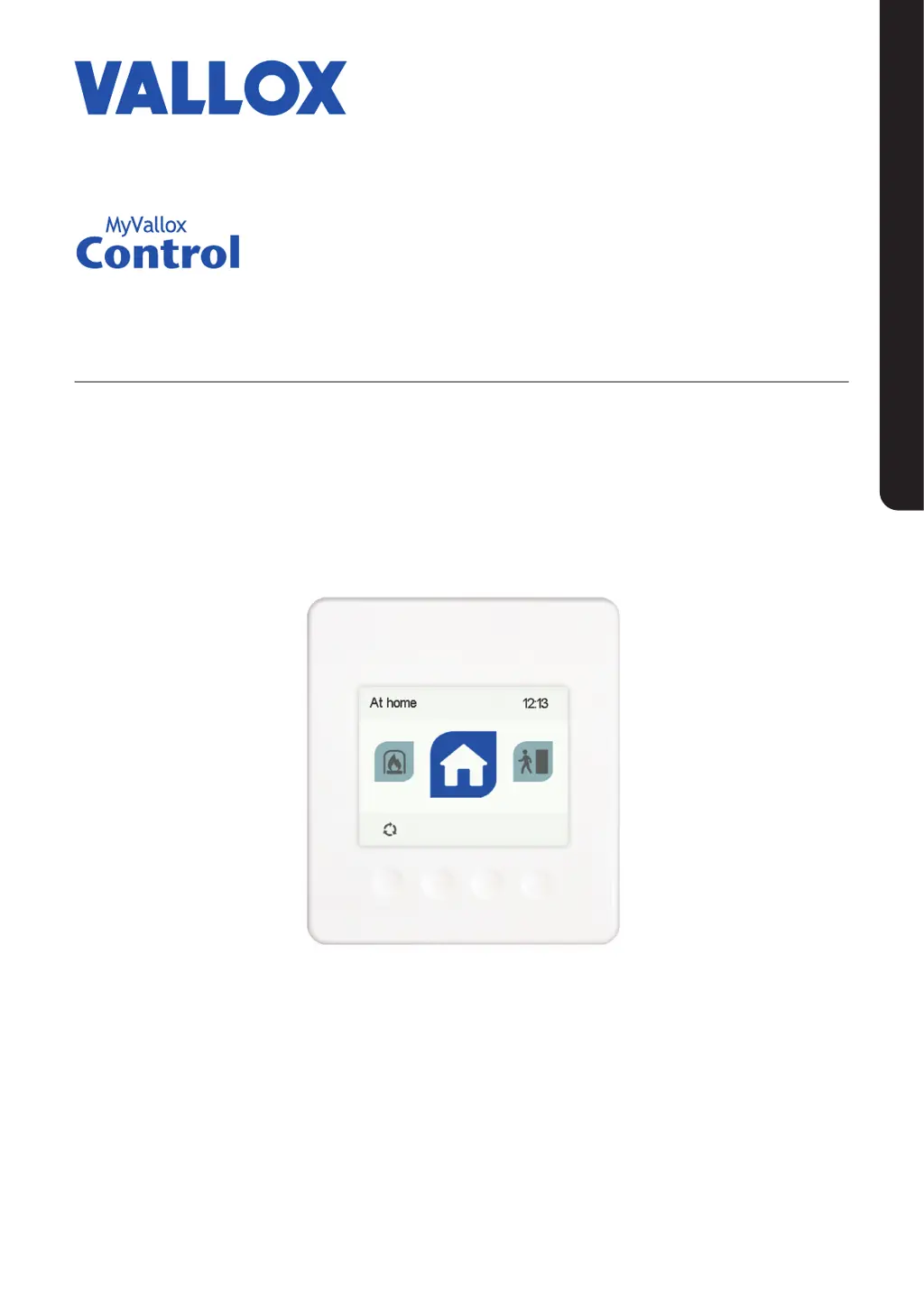
Vallox MyVallox Control - User Manual

Vallox MyVallox Control
28 pages
Print Icon
To Next Page IconTo Next Page
Loading...
Manual
Model
MyVallox Control
Document
D5311
Valid from
04.02.2020
Updated
31.03.2020
Control panel
MANUAL

Table of Contents

Questions and Answers

  • W
    Wendy SmithAug 1, 2025
    What to do if my Vallox MyVallox Control and ventilation unit are not working?
    • G
      gonzalezkathleenAug 2, 2025
      If your Vallox control panel and ventilation unit aren't working, it might be due to a loss of power or the safety switch not being engaged. Check the fuse in the fuse box and the glass tube fuse in the unit. Also, ensure the safety switch catch is fully touching the safety switch. If it can be turned on after pressing the safety switch, ensure that the safety switch catch is touching the safety switch.
  • R
    reillymeganAug 6, 2025
    Why does my Vallox Control Panel show an error message about the supply air fan?
    • J
      Johnny JacksonAug 6, 2025
      The Vallox Control Panel displays an error message about the supply air fan because the supply air fan has stopped. Ensure that the fan is not running.
  • J
    jessica92Aug 10, 2025
    What does it mean when my Vallox MyVallox Control displays an 'Extract air fan' error message?
    • J
      Jennifer MendezAug 10, 2025
      An 'Extract air fan' error message on your Vallox Control Panel indicates that the extract air fan has stopped. Make sure that the fan is not running.
  • C
    Cory Hodges MDAug 14, 2025
    Why does my Vallox Control Panel show an error message about the supply air temperature?
    • G
      Gary FreemanAug 14, 2025
      The Vallox Control Panel displays an error message about the supply air temperature because the supply air temperature is too high.
  • B
    Brandon BryanAug 18, 2025
    What to do if the Vallox MyVallox Control is not working, but the ventilation unit is?
    • R
      Robert DawsonAug 18, 2025
      If your Vallox ventilation unit is working, but the control panel isn't, it could be due to a loss of 24 VDC power to the control panel. Check the cables from the unit to the control panel.
  • T
    Tiffany WeeksAug 23, 2025
    What does it mean when my Vallox MyVallox Control displays an error message about a temperature sensor?
    • R
      Robert NielsenAug 23, 2025
      If your Vallox Control Panel is showing an error message for a temperature sensor, it means that the temperature sensor indicated on the user interface is damaged.
  • J
    jamessolomonAug 27, 2025
    How to fix a 'Bus fault' error on my Vallox Control Panel?
    • R
      ricebrianAug 27, 2025
      A 'Bus fault' error on your Vallox Control Panel indicates problems with the data transfer bus. Ensure that the control panel and any external sensors are connected correctly and are functioning properly.

Summary

Introduction to MyVallox Control

Safety and Installation

Covers safety regulations, safe handling, and installation by qualified experts.

System Overview

Describes the system architecture, components, and control options.

Control Panel Interface

Details the function of each button on the control panel for user interaction.

Unit Operation Basics

Explains how to start, shut down, and update the unit's software.

Setup Procedures

Initial Setup Configuration

Guides through initial settings like language, time, date, and clock format.

User Access and Controls

Covers setting user levels, lock codes, and parental controls for security.

Fan Settings and Ventilation Modes

Configures basic airflow and selects ventilation modes like At home, Away, Boost.

Using the Unit

Ventilation Mode Symbols and Information

Explains symbols used for different ventilation modes and how to view mode data.

Mode Settings and Customization

Details how to set fan speed, temperature, and automatic controls for each mode.

Advanced Mode Features

Covers timer functions for Boost and Fireplace modes, including duration and fan speed.

Setup Completion and Mode Changes

Explains how to finish setup and switch between ventilation modes.

Browsing and Editing Mode Data

Guides on viewing detailed information and editing mode settings.

Temperatures and Sensors

Viewing Temperature Data and Statistics

Shows how to view current temperatures and historical temperature data.

Humidity and Air Quality Monitoring

Explains how to monitor relative humidity, CO2, and VOC levels.

Settings

Filter Management

Covers filter replacement dates, reminders, and maintenance intervals.

Display and Language Settings

Allows adjustment of screen brightness, sleep time, and user interface language.

Core Time and Date Settings

Guides on setting the current time, date, and clock format (12/24h).

Daylight Saving Time Adjustment

Explains how to enable or disable automatic daylight saving time adjustments.

Week Clock

Setting and Editing Weekly Programs

Details how to program ventilation modes based on a weekly schedule.

Managing Week Clock Functions

Covers turning the week clock on/off and removing saved programs.

Turning the Unit Off

Unit Shutdown Procedure

Provides steps to safely turn off the ventilation unit.

Troubleshooting

Error Messages and Solutions

Lists common faults, their causes, and recommended corrective actions.

User Level Diagrams

User Level Access and Functions

Illustrates the different user levels and their accessible settings and functions.

Vallox MyVallox Control Specifications

General IconGeneral
DisplayTouchscreen
ConnectivityWi-Fi, Ethernet
Control FeaturesRemote control, scheduling, monitoring
CompatibilityVallox ventilation units
Power SupplyPowered via ventilation unit