SPECIAL FUNCTION PLAYBACK
MP3 PLAYBACK
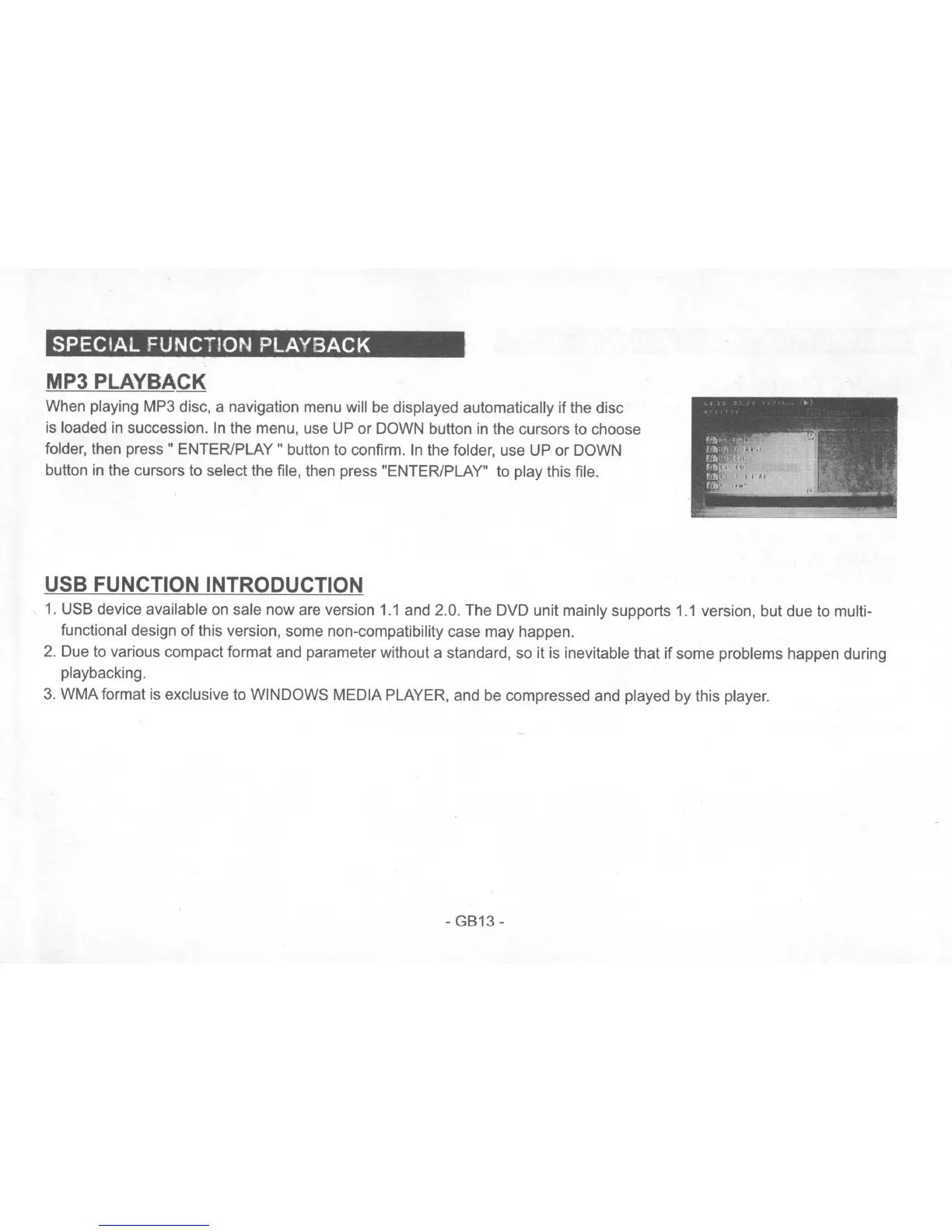
When playing MP3 disc, a navigation menu will
be
displayed automatically if the disc
is loaded
in
succession.
In
the menu, use UP or DOWN button
in
the cursors to choose
folder, then
press"
ENTER/PLAY" button to confirm.
In
the folder, use UP or DOWN
button
in
the cursors to select the file, then press "ENTER/PLAY" to play this file.
USB FUNCTION INTRODUCTION
1.
USB device available on sale now are version
1.1
and 2.0. The DVD unit mainly supports
1.1
version, but due to multi-
functional design
of
this version, some non-compatibility case may happen.
2.
Due to various compact format and parameter without a standard, so it
is
inevitable that if some problems happen during
playbacking.
3.
WMA format
is
exclusive to WINDOWS MEDIA PLAYER, and be compressed and played by this player.
-GB13-


 To Next Page
 Loading...