SPECIAL FUNCTION PLAYBACK
SD/MMC CARDS FUNCTION
The unit support the following cards: MMC CARD: MULTI MEDIA CARD
SD CARD: SD MEMORY CARD
1.
Turn on the player.
2.
Please insert the card (SD or MMC) .
3.
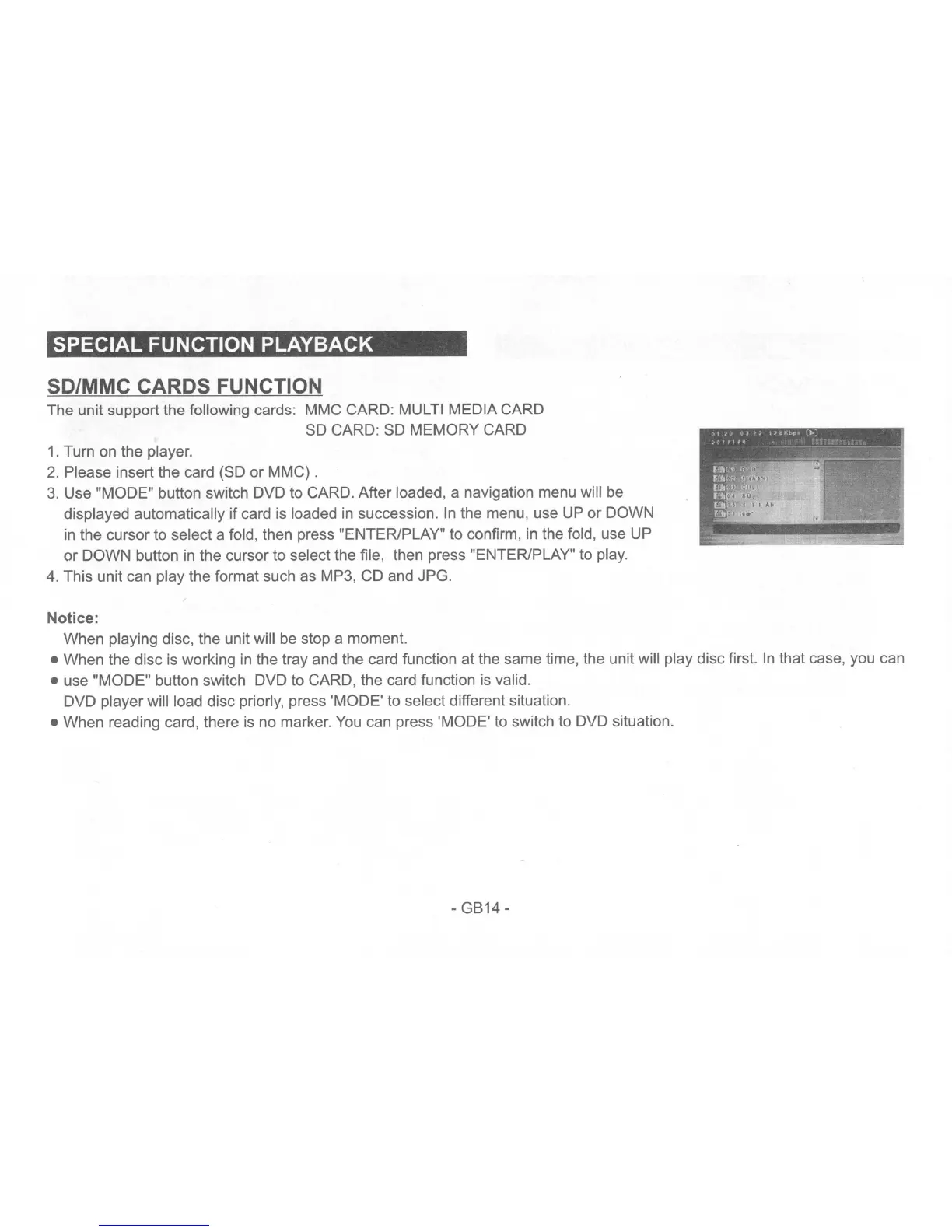
Use "MODE" button switch DVD to CARD. After loaded, a navigation menu will be
displayed automatically if card is loaded in succession.
In
the menu, use
UP
or DOWN
in
the cursor to select a fold, then press "ENTER/PLAY" to confirm, in the fold, use UP
or
DOWN button in the cursor to select the file, then press "ENTER/PLAY" to play.
4. This unit can play the format such as MP3, CD and JPG.
Notice:
When playing disc, the unit will
be
stop a moment.
• When the disc is working
in
the tray and the card function at the same time, the unit will play disc first.
In
that case, you can
• use "MODE" button switch DVD to CARD, the card function is valid.
DVD player will load disc priorly, press 'MODE' to select different situation.
• When reading card, there is no marker.
You
can press 'MODE'
to
switch
to
DVD situation.
- GB14 -


 To Next Page
 Loading...