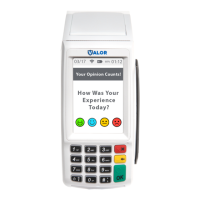
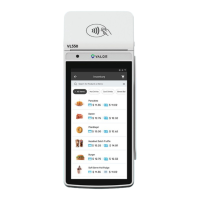
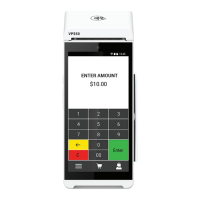
1. From the Home Screen, tap ( ) 7 Comm Config.
Connect to WiFi
2. Tap Comm Config, tap WiFi, tap the SSID, then
tap Configure.
3. Enter WiFi Password Please note WiFi Password is
case sensitive.
4. Tap OK to confirm, press the Cancel button, then
tap Connect.
To fast swap connection, tap Connection Icon
(see Terminal Guide for location).
CHANGE PASSWORD | Set one general password OR
create custom passwords for settlements, voids\refunds &
removing custom fee.
DOWNLOAD PACKAGE | Applies parameter changes or
updates version on device.
COMM CONFIG | Configure your internet
connection settings.
REBOOT |
Power cycles device
REMOTE DIAGNOSTICS | Allows ISO to remotely
troubleshoot the device.
REPORTS | View summary report for open batch, last settled
batch, and detailed reports for the last 5 batches settled.
Dual Pricing VL100 Pro|R1.08282024 | valorpaytech.com



 To Next Page