Method 1
Method 2
VL110
VL110
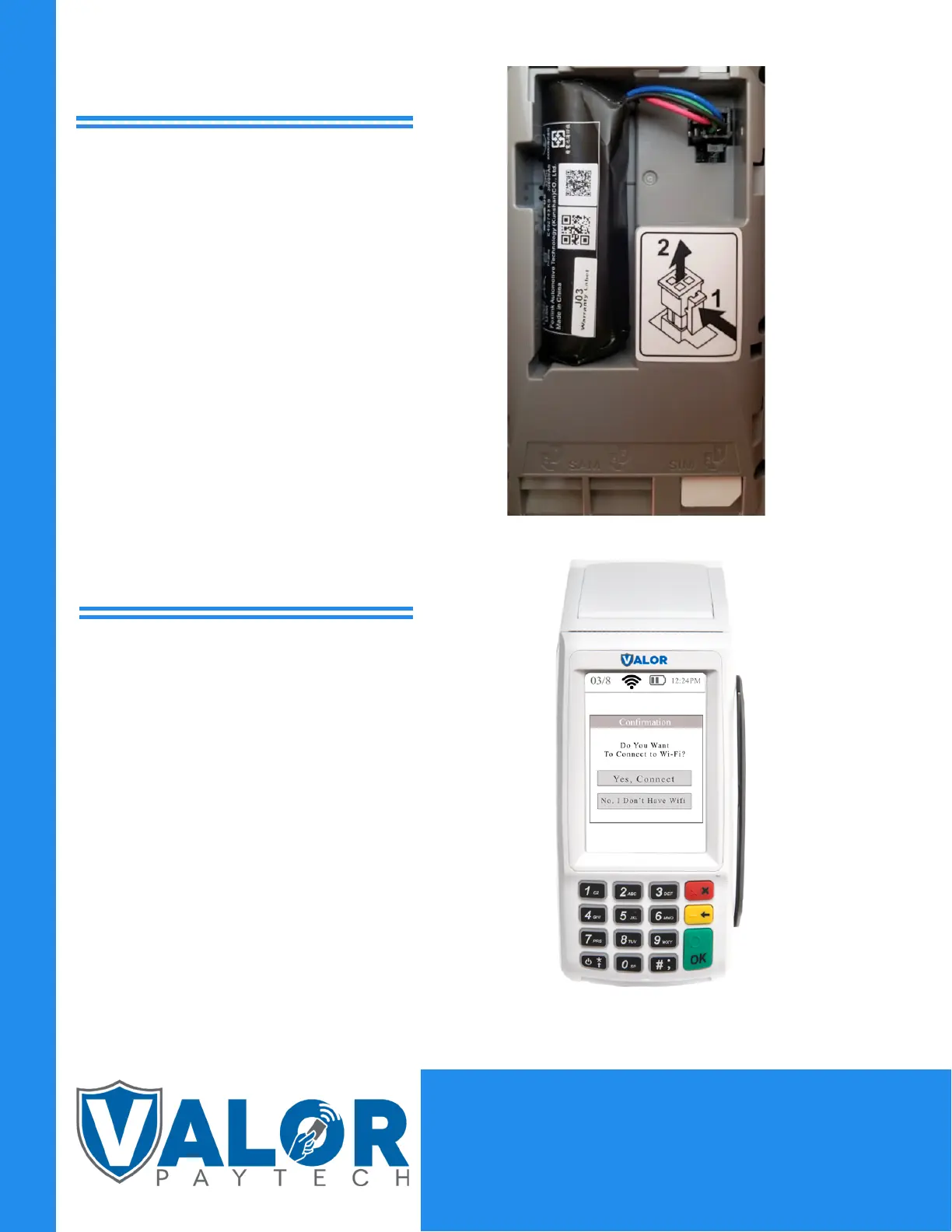
If you are connecting to WiFi, press ‘Yes,
Connect’, select the SSID ( network name),
enter the password, and press the OK
button on the keypad.
Flip the device so that the bottom is facing
up. As shown in the picture, insert the SIM
card on the bottom right. Once inserted,
put back cover onto the device. Turn the
device over and tap the red circle at the
top of your touch screen and select GPRS.
MERCHANT | DEVICE


 To Previous Page
 Loading...