1. Long press the Power Button for 3 sec to power on.
2. Long press Device A button for 3 sec and the display monitor shows "Search-
ing.." to enter the pairing mode. Set up your Bluetooth headsets into pairing
mode to stand by.
3. Press "A" or "B" to choose the device and press the Power Button to select
the Bluetooth device that needs to pair with. Repeat the same procedure to
connect Device B.
HOW TO UNPAIR:
• Long press "Device A" and "Device B" button at the same time to delete history
devices.
HOW TO RECONNECT / DISCONNECT:
• Double press " Device A" or "Device B" button to re-connect / disconnect
paired devices.
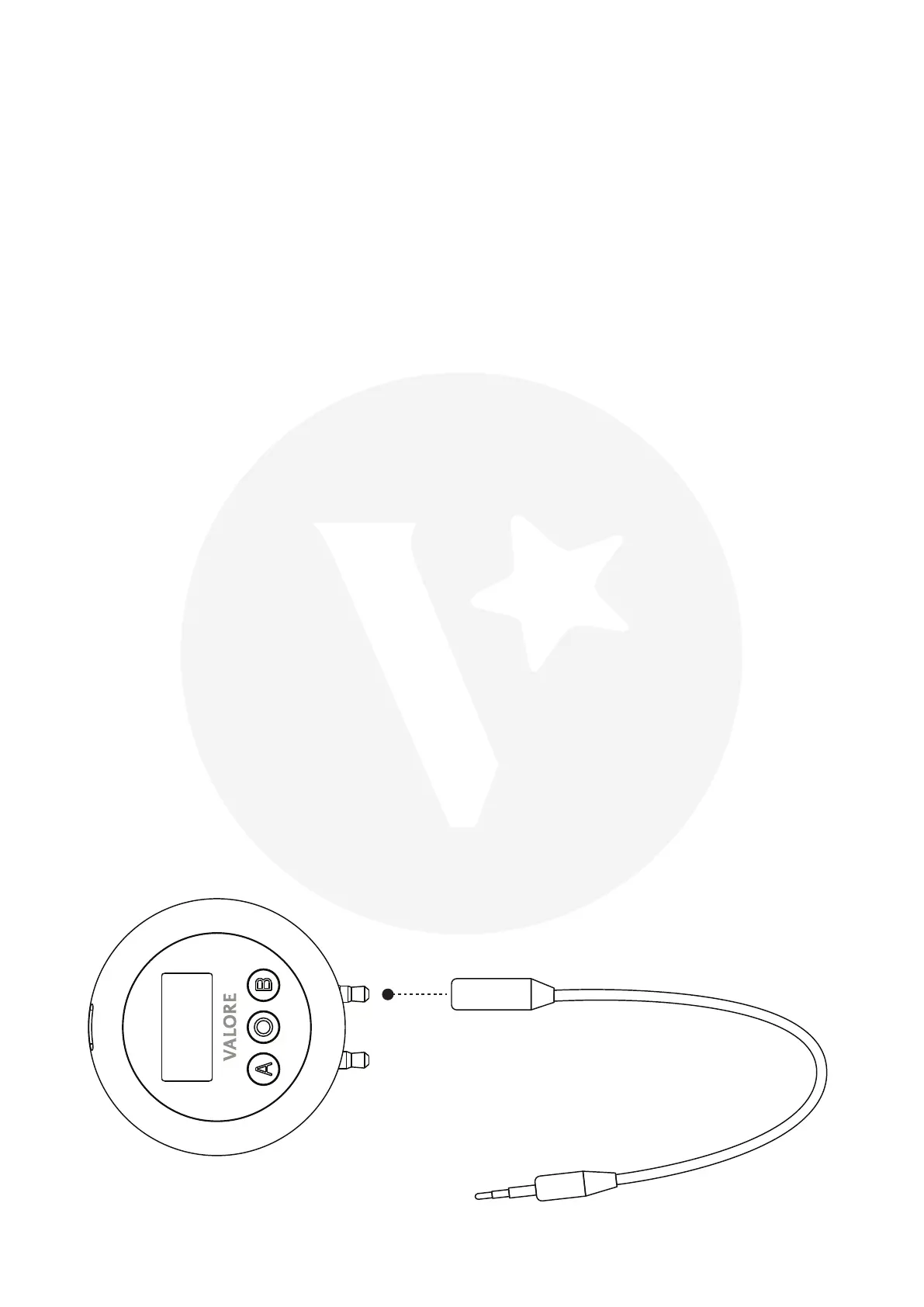
AUDIO ADAPTER CABLE:
• If the device only have 3.5mm port, please use the audio adapter cable as
attached below:
HOW TO PAIR:
Audio Adapter Cable


 To Next Page