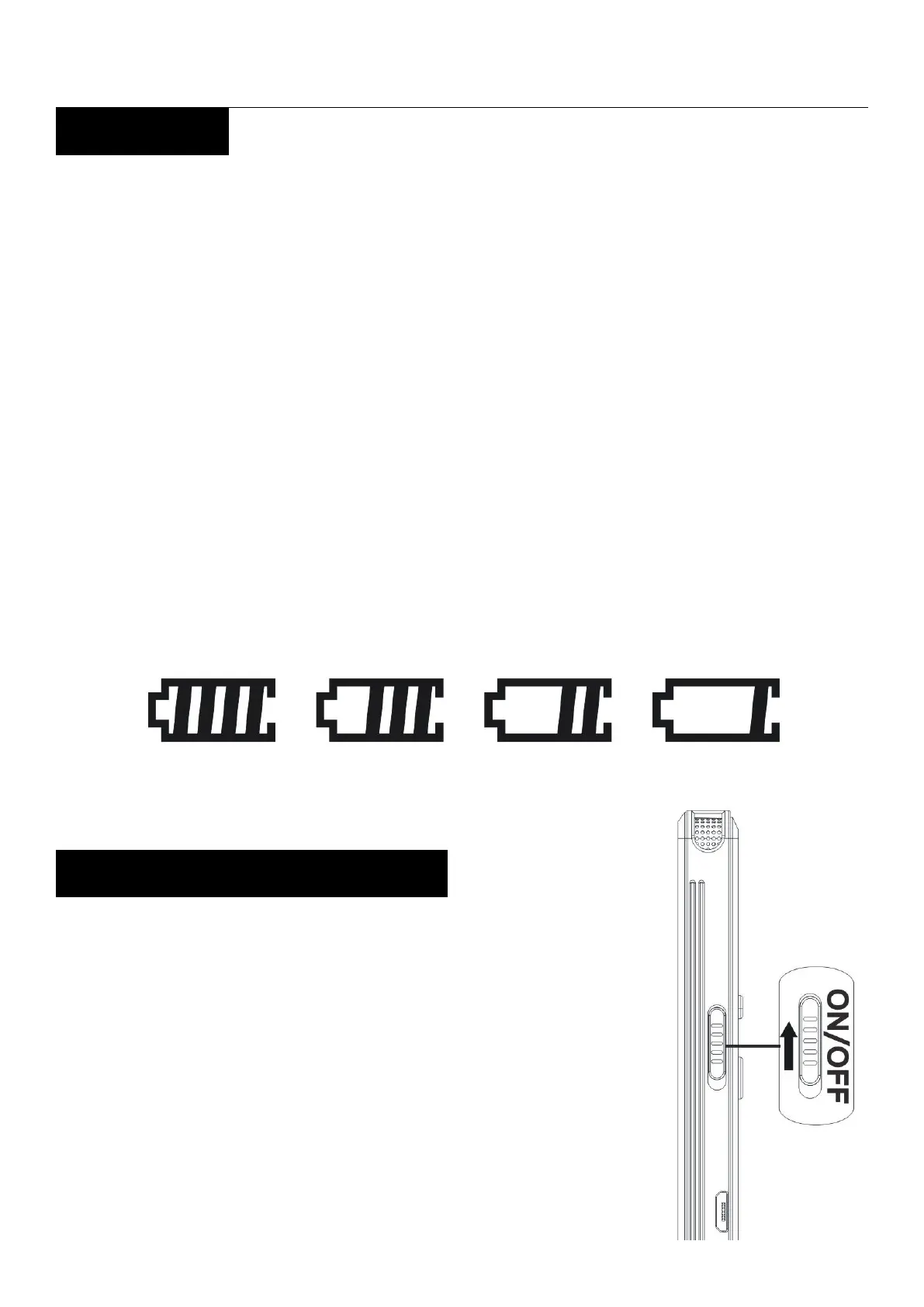
Vandlion digital voice recorder
4
3.Charge
Connect the recorder to your computer via the
USB cable(Supplied).
Inset the micro USB end to the recorder, and the
USB end to the USB port of a running computer.
When the recorder is charging, the screen will
show electric quantity atop right.
The battery will be fully charged after about 4
hours and then can work 150 hours
Slide up the “Power switch”, the
“WELCOME” animation appears,
and “Home Menu” page displays.


 To Next Page