Vandlion digital voice recorder
5
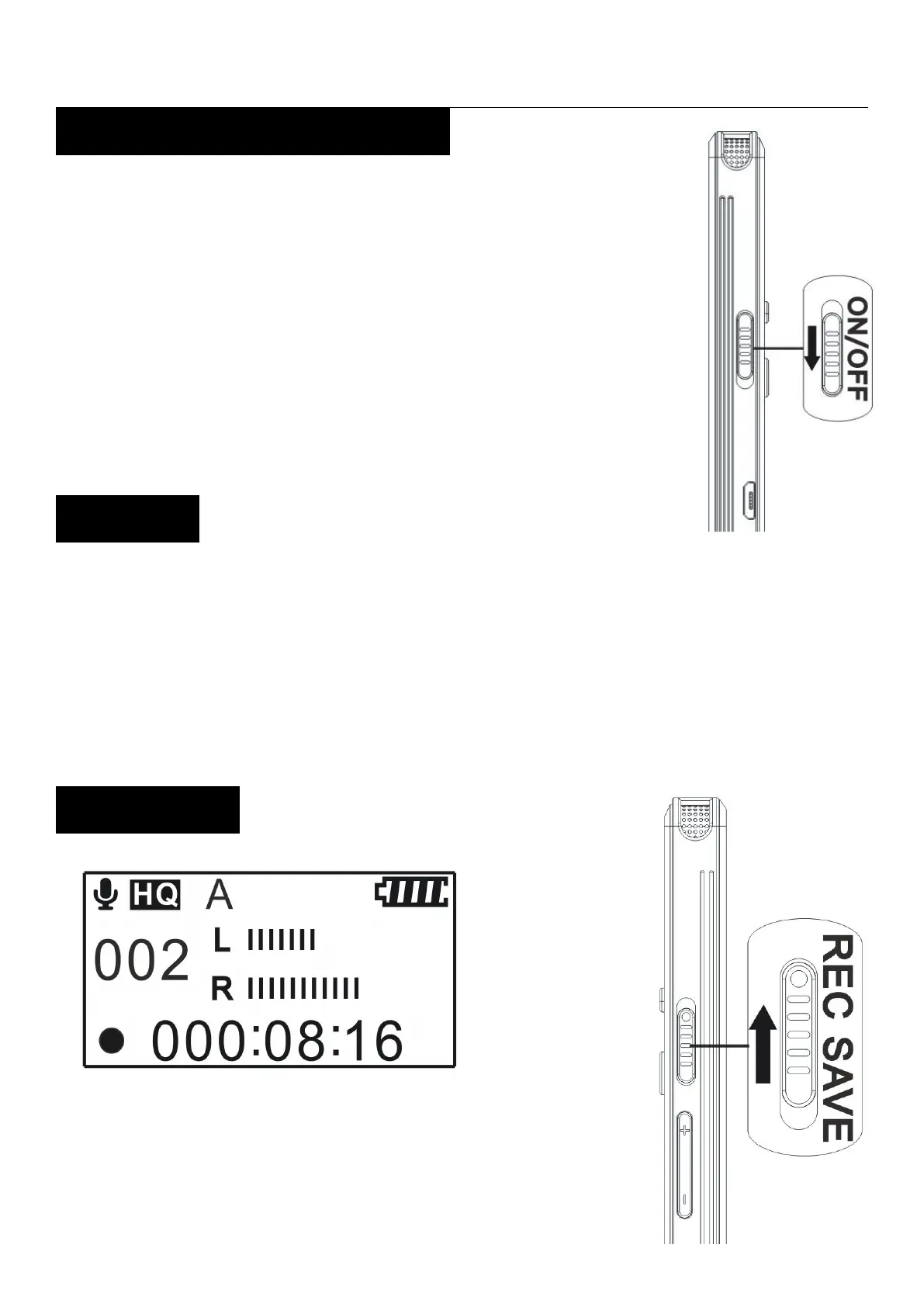
Slid down the “Power switch”, the
“BYE” animation appears, and the
When the recorder is in the stop mode, and you
leave the recorder without attempting. an
operation for approximately 5 minute, the auto
power off function will take effect.
and hold the “Record/Save
button”in the direction of “REC” to


 To Next Page