Vandlion digital voice recorder
6
start recording in the stop mode.
Place the recorder so that the built-in
microphones face the direction of the source to
be recorded.
The new file will be automatically recorded as
the last file in the current folder.
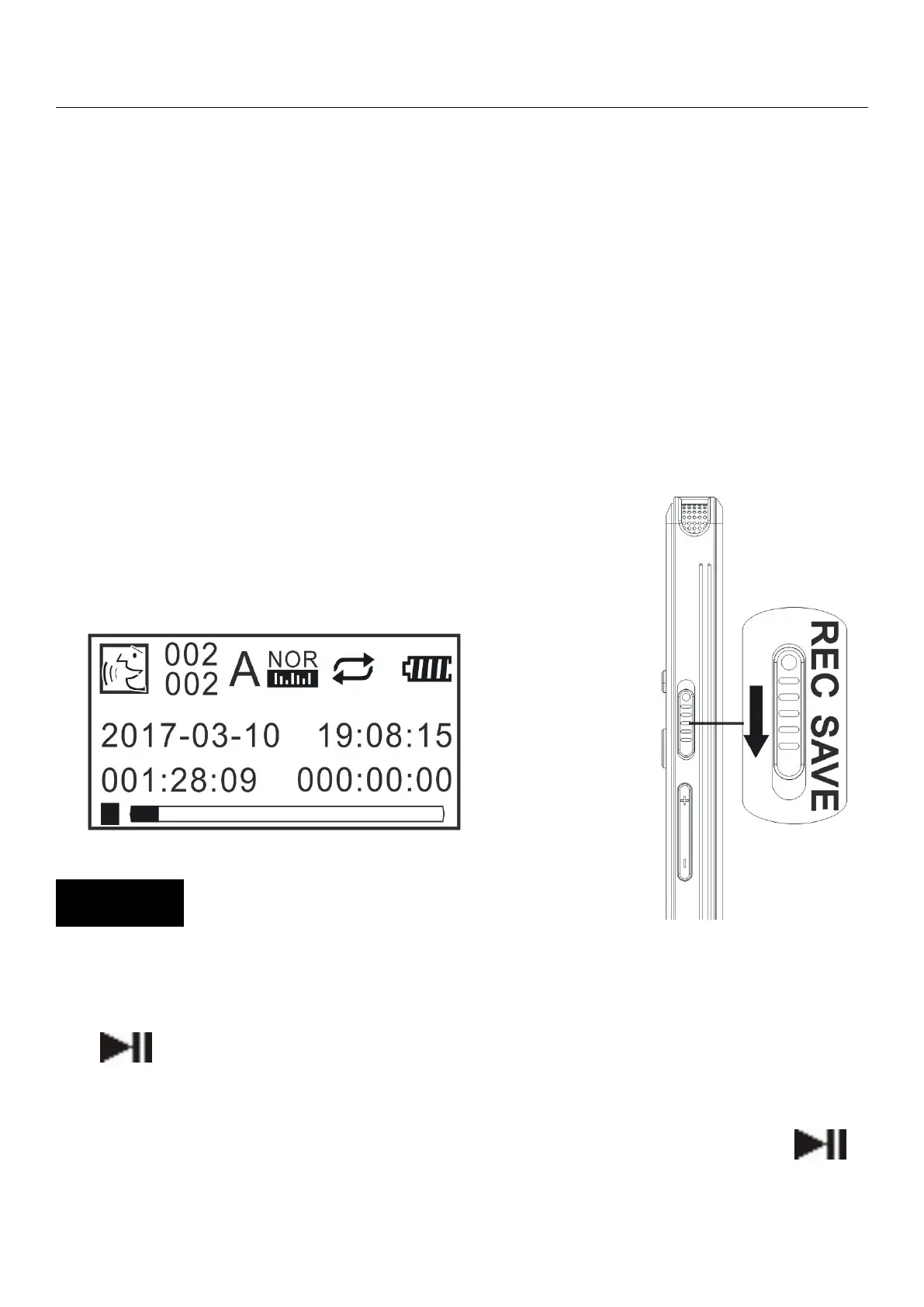
Slide down and hold the “Record/Save button”,
in the direction of “SAVE” to stop
recording and save recording
In the Home Menu page,select “Record
Settings” - “Recordings library”,and then press
“ ”button.
Press“VOL+” or “VOL-”button to select the file
you want to playback,and then press “ ”


 To Next Page