Vandlion digital voice recorder
7
button to start playing the file.
Press “VOL+”or “VOL-”button to adjust the
volume.
Press“ ”button to stop playing.
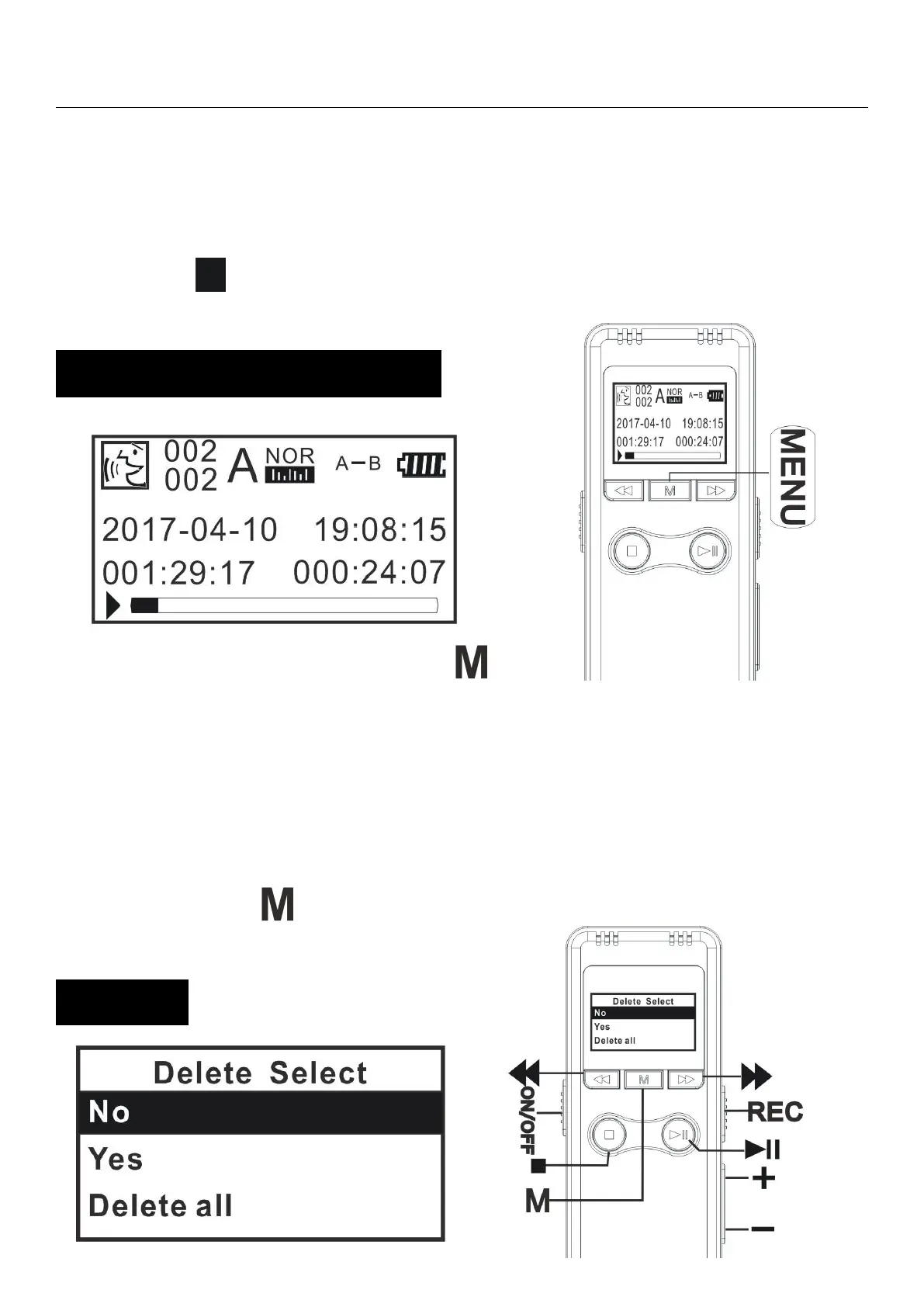
Playing state,Press “ ” to
select “A”,the screen will flash “A”, press this
button again to select “B”,and then start “A-B”
repeating.
Once selected,it will repeat play the A-B interval


 To Next Page