8
Instructions
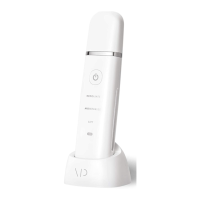
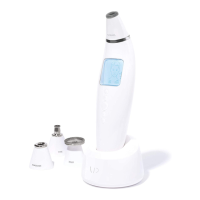
1. To turn Exfora on, press the Power Button—the LCD screen will light
up and the wand will enter standby mode.
2. Choose the mode you would like to use:
a. Auto Mode
b. Manual Mode
3. Press the Start/Pause Button. Then, let the head gently suction your
skin, making sure that it’s perpendicular to the surface while moving
the device as directed by the LCD screen. Try not to hover over a
single spot for too long and, if possible, use your free hand to hold
your skin taught and firm—this will make Exfora even
more effective.
4. You can adjust the suction level by pressing either the Up or Down
Arrow while the system is on. Level 1 is the weakest while level 3
provides the strongest suction.
5. Feel free to pause the wand at any time with the Start/Pause Button.
Exfora will turn off shortly after.
WARNING: If you have overly sensitive skin, are taking a dermatologist-related
medication or are undergoing treatment, are pregnant or have pre-existing medical
conditions, please consult your physician before using Exfora.



 To Next Page