
 Need help?
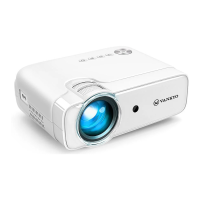
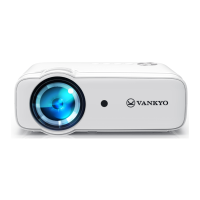
Do you have a question about the Vankyo Leisure 470 Pro and is the answer not in the manual?
Connect your device to the projector via USB port for input.
Insert a TF card into the projector's TF card slot for media playback.
Connect devices with HDMI output ports to the projector using an HDMI cable.
Connect AV devices using composite video and audio cables for input.
Connect iOS devices wirelessly via Wi-Fi or AP hotspot for screen mirroring.
Connect iOS devices using a lightning cable to the projector for screen mirroring.
Connect Android/Pad devices using Wi-Fi Display technology for screen mirroring.
Adjust image, sound, and general options via the projector menu.
Configure Wi-Fi, language, and restore factory defaults.
Details on optimal projection distances and resulting screen sizes.
Key technical details including resolution, aspect ratio, and supported formats.
Solutions for streaming service restrictions and alternative playback methods.
Guidance for blurry images, unresponsive remotes, and upside-down projections.
Steps to restore the projector to its default factory settings.










 To Next Page
 General