Forward
21
7. Using your unlock code
Beep Beep
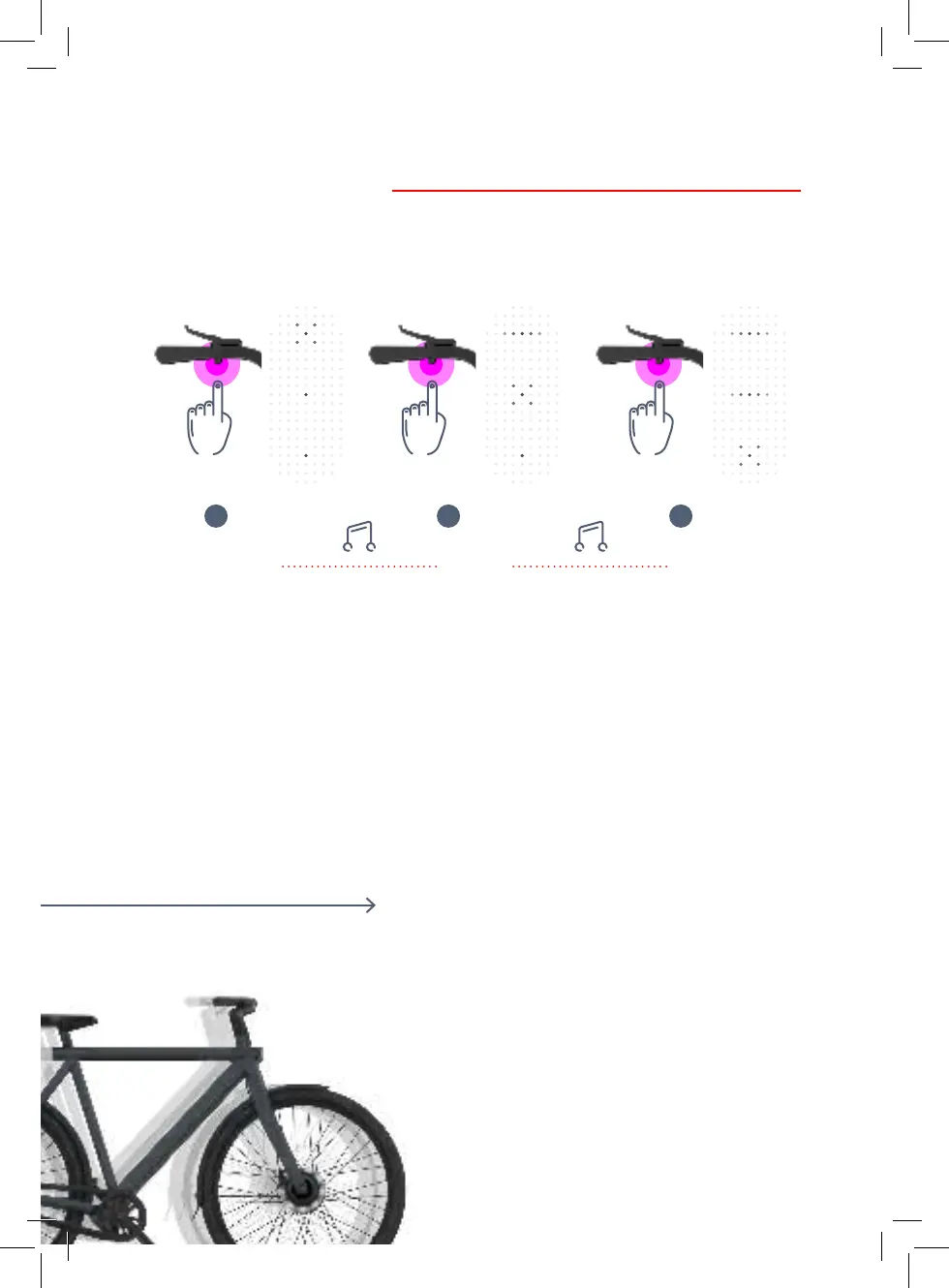
7.1 Let’s say your code is 1-5-9. Here’s
what to do:
A. Hold the left handlebar button – this
will switch to the personal code
unlock mode.
B. Enter the rst digit of your code – in
the example above that means
pushing the button 1 time. You’ll
hear a beep as conrmation.
C. Enter the second digit of your
code – pushing the button another 5
times. You’ll hear a beep again.
D. Enter the third digit of your
code – pushing the button 9 times.
You’ll hear a nal beep.
E. After the last conrmation, move
your bike forwards or backwards
within 5 seconds – now you’re ready
to ride.
1 5 9


 To Next Page