17
Computer Instructions
TARGET HEART
RATE
(PROGRAM 10-13)
The TARGET H.R. FUNCTION is designed for the computer to
advise the User of a target heart rate for optimum cardio workout.
The computer will adjust the LEVEL according to the heart rate
detected.
PROGRAM 10: 60% OF THE USER’S MAX HEART RATE
PROGRAM 11: 75% OF THE USER’S MAX HEART RATE
PROGRAM 12: 85% OF THE USER’S MAX HEART RATE
PROGRAM 13: USER’S CHOICE OF %. It can be from
50% to 95% and a 5% increase in each level.
*Always, consult a physician to find out the proper heart rate
for the User.
Press PROGRAM key to select a TARGET H.R. PROGRAM (10 –
13), press the ENTER key. Use the UP or DOWN key to select
TIME, DISTANCE, CALORIE. After every selection the User must
press ENTER to confirm. Press START/STOP to begin the
exercise.
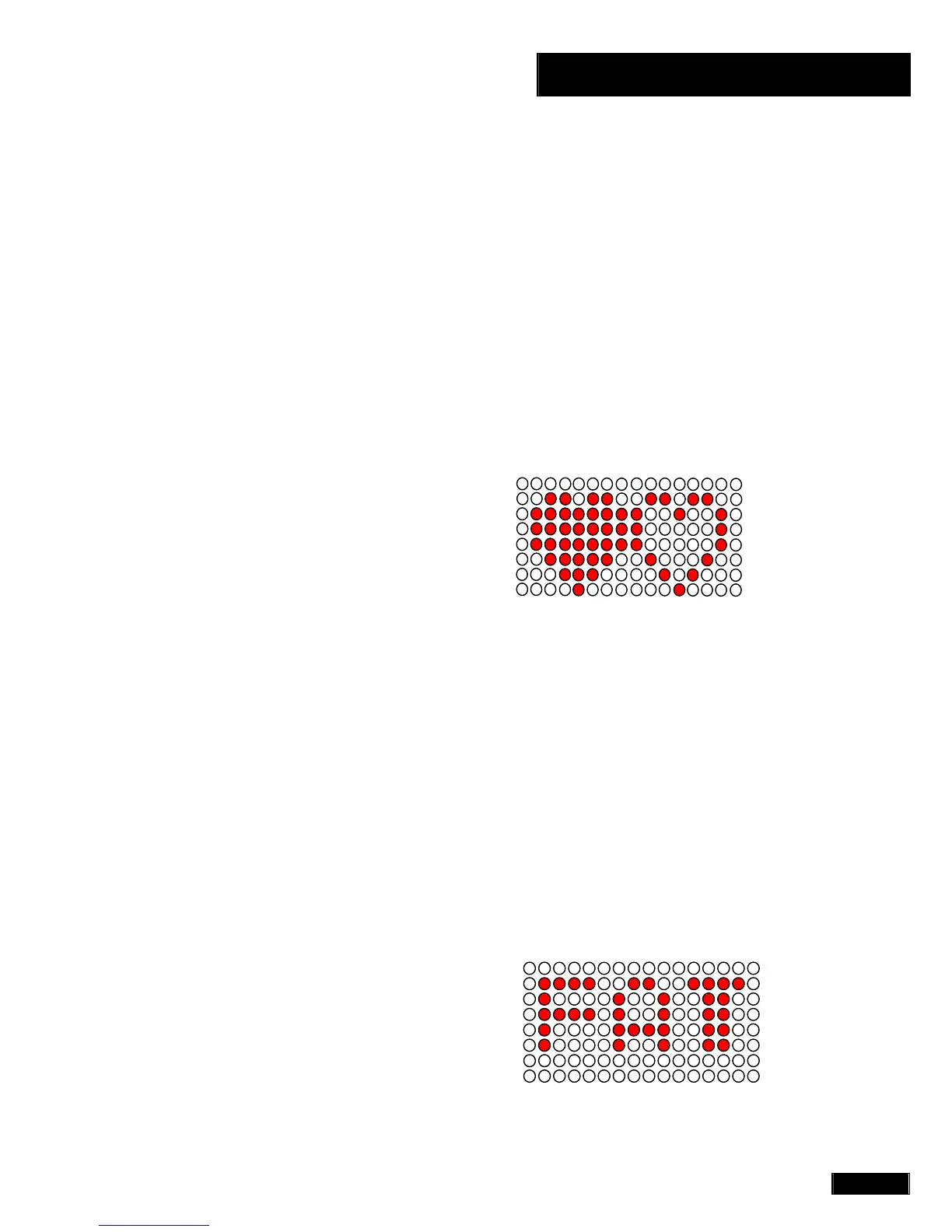
PROGRAM 10 – 13 :
BODY FAT
MEASUREMENT
(PROGRAM 14)
Press PROGRAM key to select PROGRAM 14, press enter to
confirm. Use the UP or DOWN keys to enter the User’s HEIGHT,
WEIGHT, AGE and SEX (sex - 1 for male gender and 0 for female
gender.) Press ENTER after each selection. Press the
START/STOP key and place hands on the HAND PULSE
SENSOR. The computer will start the BODY FAT TEST, once
completed a message window will display the results. Press UP or
DOWN to see each of the following; FAT PERCENTAGE, BMR -
BASAL METABOLIC RATE (metabolism), BMI – BODY MASS
INDEX, FAT WEIGHT or BODY TYPE. Press ENTER to get to the
BODY TYPE exercise profile (see diagrams below A thru I). Press
START/STOP to begin exercise.
PROGRAM 14 (BODY FAT):



 To Next Page