12
Computer Instructions
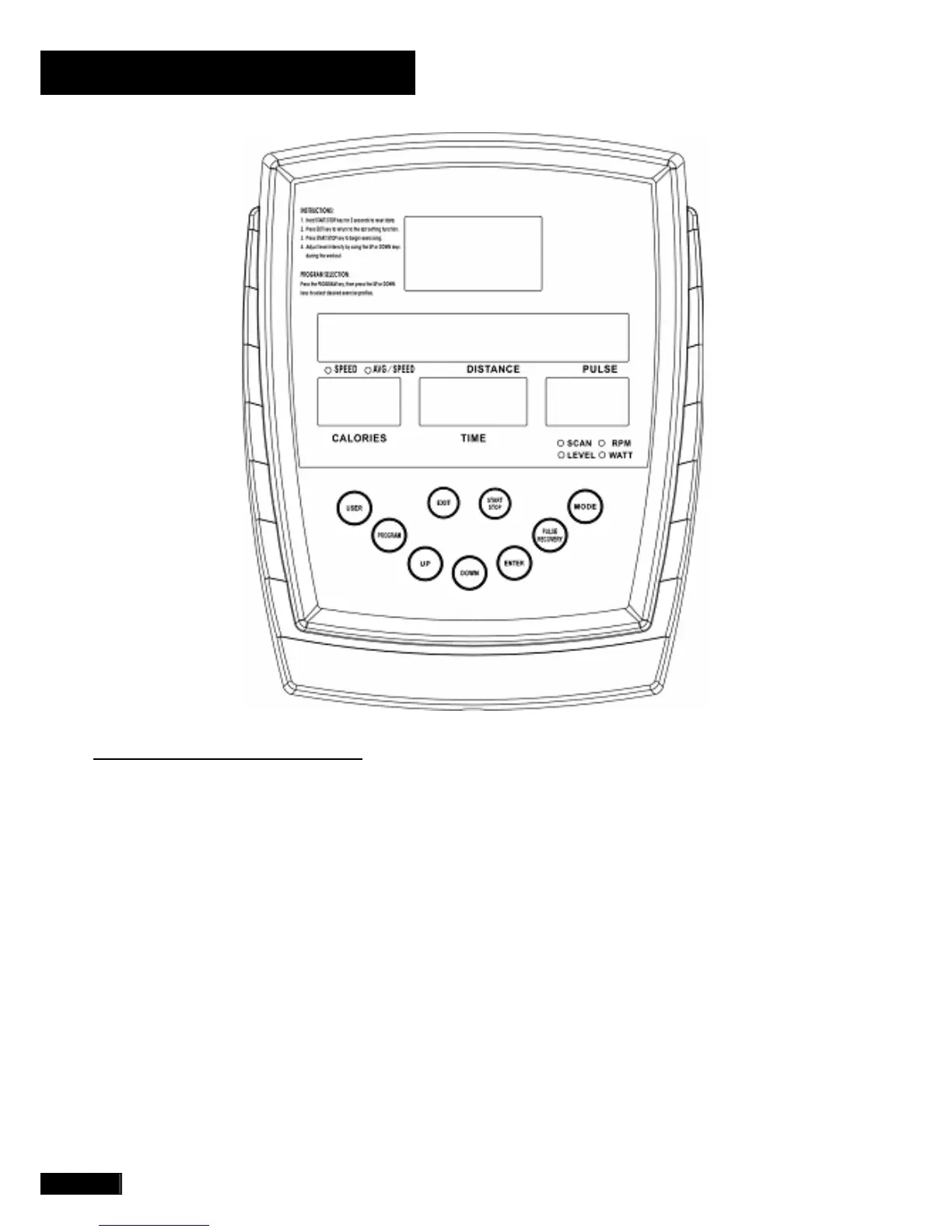
FUNCTION BUTTONS
USER
To STORE the User’s data settings: Name,
Height, Weight, Age and Sex (U1 – U4).
PROGRAM
To choose one of the preset PROGRAMS P1 thru
P14.
UP
To adjust data UP and move to the next function
values, enter letters to the User’s name and
PROGRAM setup as well as increase the LEVEL
while exercising.
DOWN
To adjust data DOWN and move to the previous
function values, enter letters to the User’s name
and PROGRAM set up as well as reduce the
LEVEL while exercising.
ENTER
To confirm values, letters of the User’s name and
program profile settings.



 To Next Page