13
Tips:
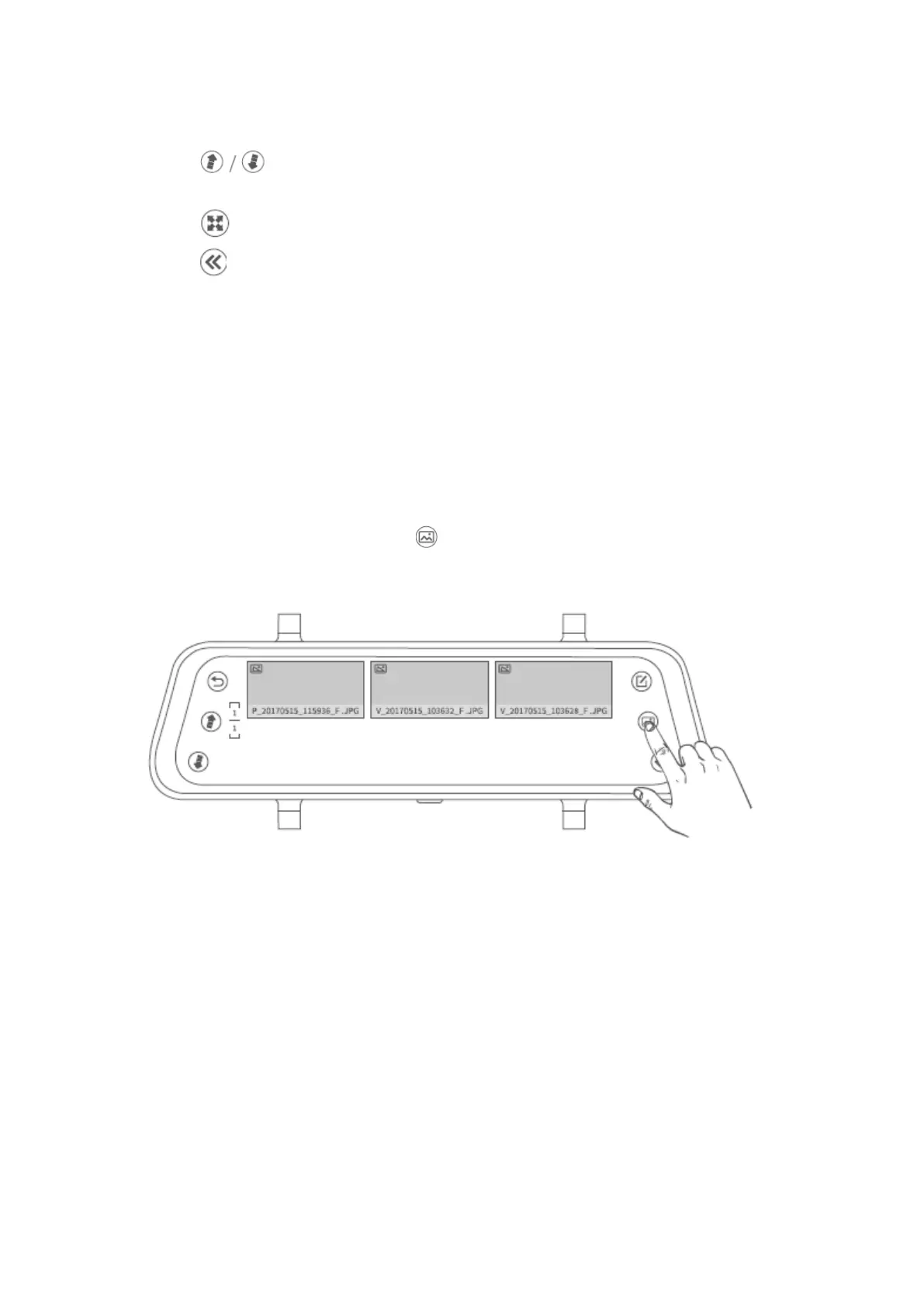
1. Tap to move to the previous/next page to view all the photo files with
the format of thumbnails.
2. Tap to switch the ratio of the file.
3. Tap to return to the previous interface.
Note:
The photo file cannot be locked.
Check the Locked Videos Recorded by the Front/Rear Camera
Step 1:
In the interface of photo checking, tap .


 To Next Page