Instruction Manual Vespera II v1.0 EU US CA 2023-06 5
Activate your Wi-Fi connection and connect to "Vespera 2-XXXXX"
Control from the mobile app
In the mobile application, let the tutorial guide you.
The 5 main steps are: - Initialization
- Object choice
- Pointing and settings
- Observation
- Saving and sharing pictures
How to turn off Vespera II
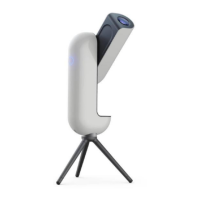
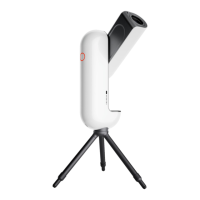
Shut down the product either via the app or by pressing the button on the side of the instrument.
The light on the button will go out, indicating that Vespera II is shut down.
VI. Accessoires (options)
Vespera II AC024 Hygrometer Sensor
Hygrometer sensor detection can take 30 seconds to 1 minute
1. Manually open the arm of the product.
2. Remove the cover located on the front end of the optical arm by pressing the button provided for
that purpose.
3. Position the AC024 hygrometer sensor in its casing and press it down firmly.
4. Screw the sensor in using the screwdriver provided.
5. Put back the cover
6. Manually close the arm.
7. Turn the product on.
8. Connect to Vespera II via the Singularity application.
9. In the application, go to the "space center" page.
10. Go to "Instrument".
11. If properly assembled


 To Next Page