6
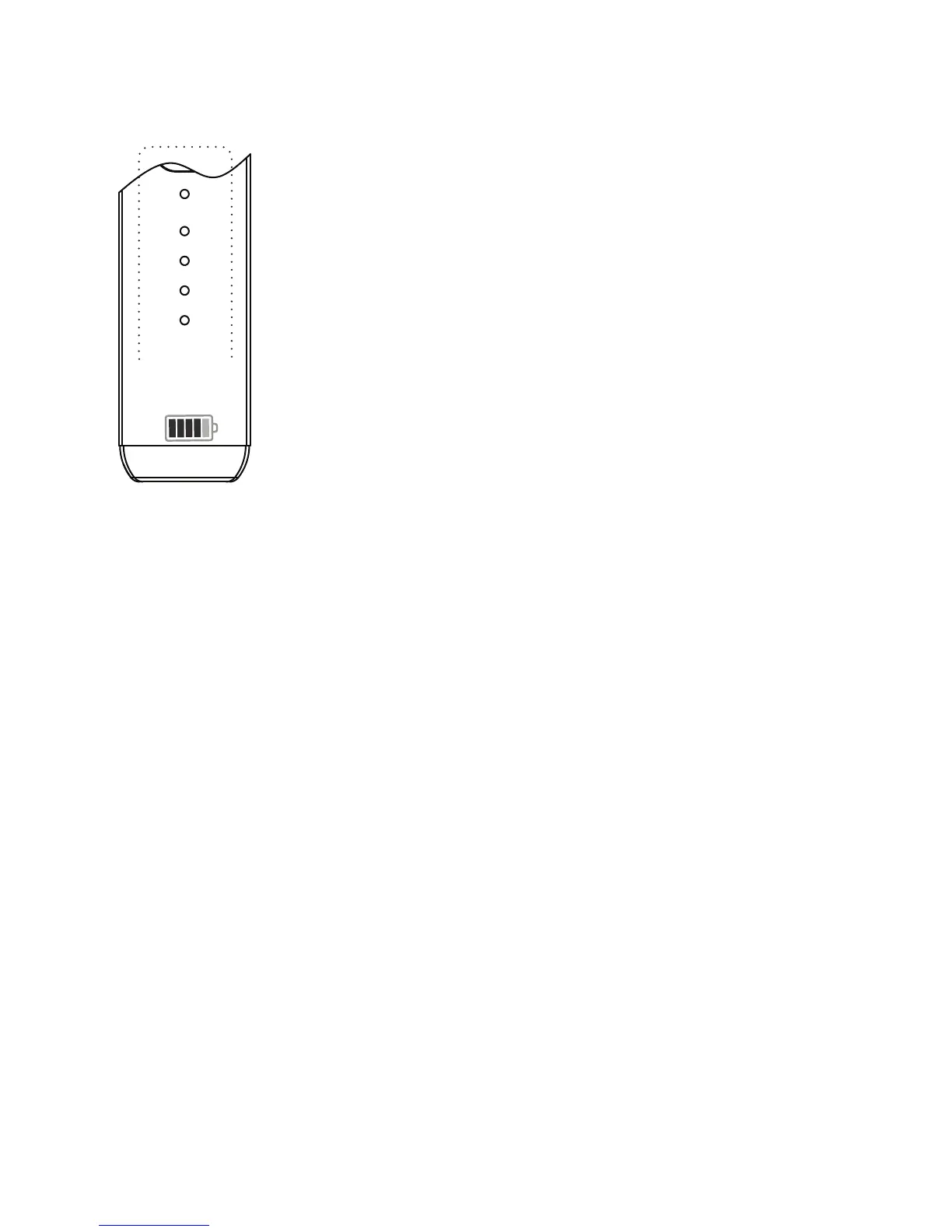
BATTERY INDICATOR LED
GREEN (solid): 100-60% charge
ORANGE: 60-30% charge
RED (solid): 30-10% charge
LOW BATTERY: Red LED flashing and
default to turn off. Time to recharge.
NO COLOR: OFF
PULSING BLUE: Heating / Adjusting
SOLID GREEN: Maintaining temperature
IMPORTANT: Your LITE comes fully charged.
BATTERY CHARGE TIME: Allow approximately 1
hour to recharge. When recharging, do not let the
unit dangle from the charging cord. This puts
pressure on the charging plug that can result in
the unit not charging fully. Once it’s charged,
remove from the USB-C plug.
The LITE will deliver approximately 10-15 sessions,
depending on the temperature selected. Further
to this, we are equipped with pass through
charging, which means you can use the LITE while
its charging.


 To Next Page