AUTOMATIC SHUT OFF
Automatic shut off timer will turn
the unit OFF after 30 minutes of
non-use.
MANUAL SHUT OFF
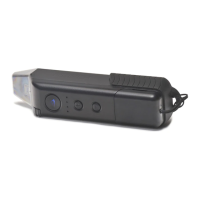
Press and hold the GO Button
for 3 seconds.
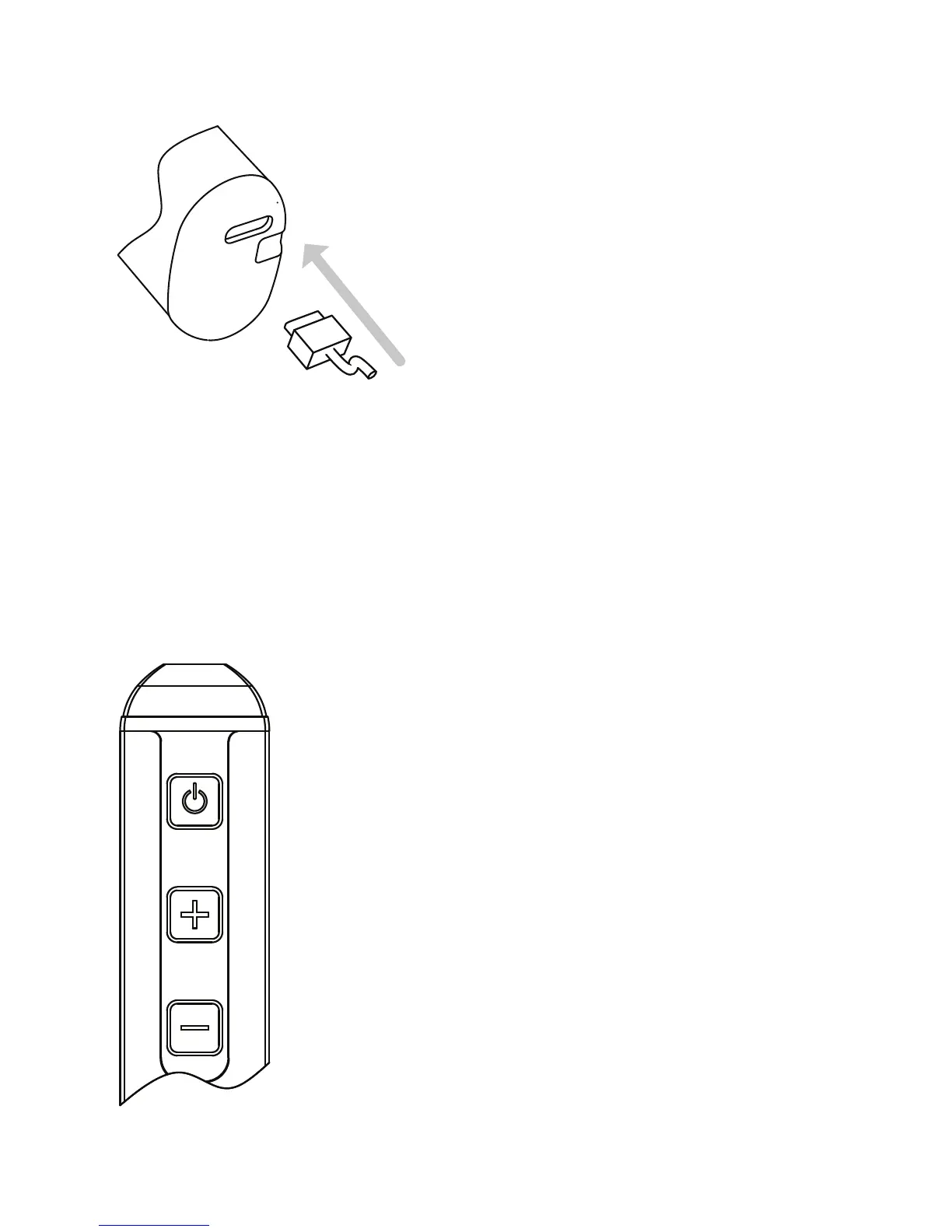
Plug the USB-C connec-
tor into the base of he
LITE and the other end
into a USB charger.
APPROXIMATELY 1H TO FULL RECHARGE.
POWER SAVING
CHARGING
7
While recharging the battery level, battery indicator
will blink and change color as power is received.


 To Next Page