Operation of ULX210
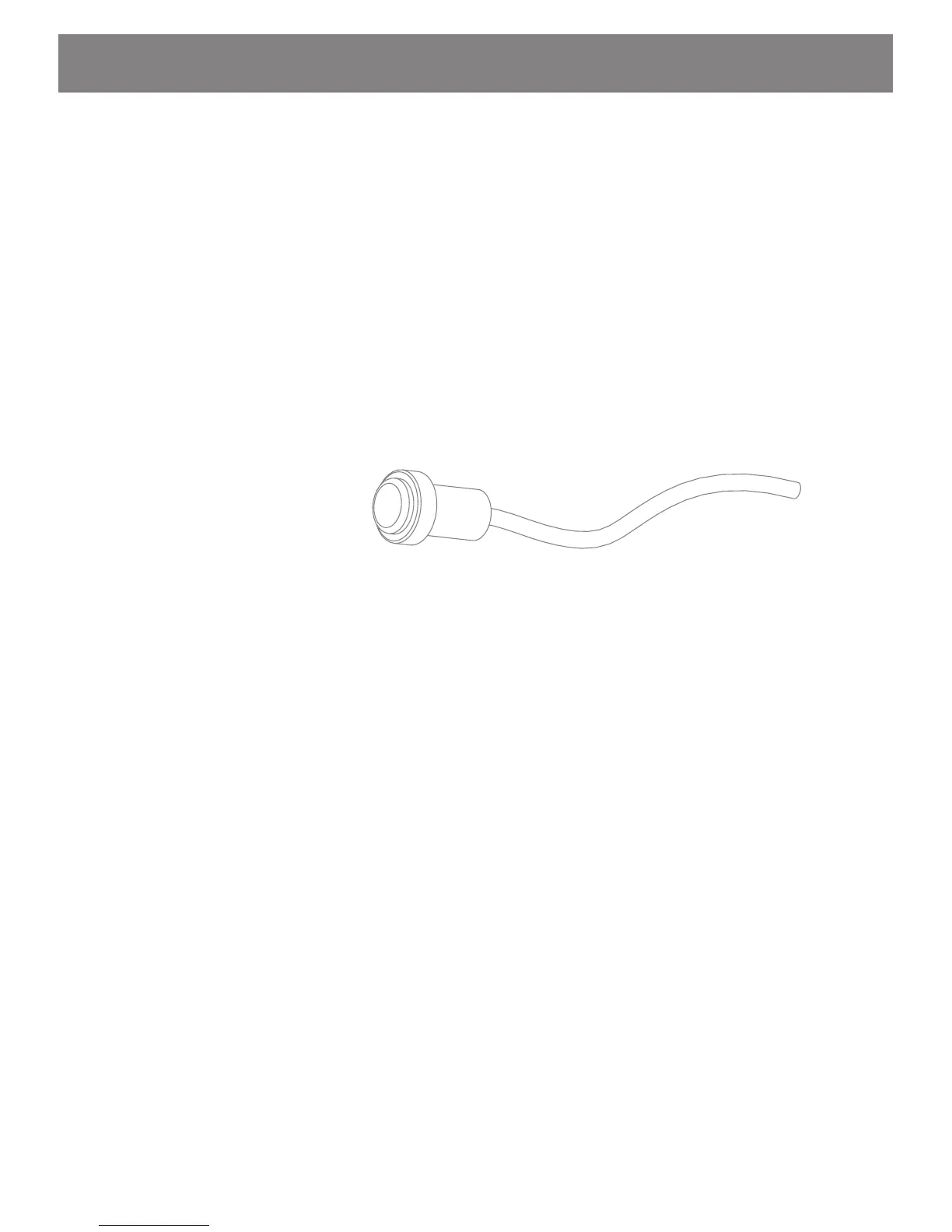
The ULX210 is operated with a single button remote control. All
features can be controlled by two types of button operations:
• “Push and Hold” (greater than 1 second) to change modes.
• “Push and release” (momentary) to change features in
selected mode.
For example:
To turn system “ON”
Push and hold button until Mode 1 is active. The system will power
up and go into Mode 1 (Color Wash). The default color is blue. Push
button momentarily and system will begin the color wash. Each
momentary push of the button will stop or start the cycling. Refer
to “Mode Operation Flow Chart” for more details.
Push button switch



 To Next Page