EasyManua.ls Logo

Varex Imaging Optica 30 Series - User Manual

Varex Imaging Optica 30 Series
36 pages
Print Icon
To Next Page IconTo Next Page
Loading...
UM50566-EN, Revision: 3.0
www.vareximaging.com
0120
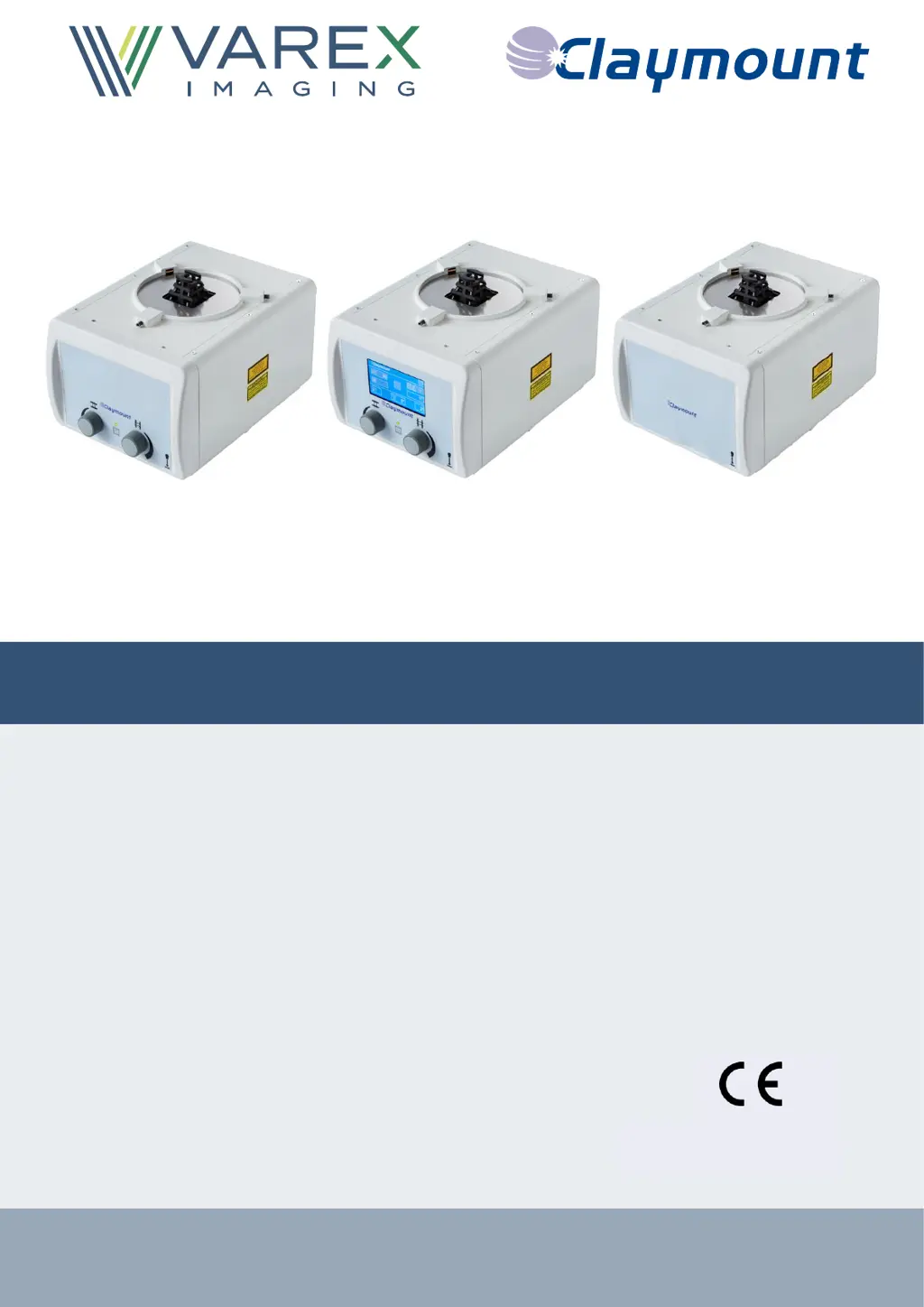
Optica 30/40/50 series
User Manual
Optica 30
Optica 40
Optica 50

Other manuals for Varex Imaging Optica 30 Series

Questions and Answers

  • J
    Jared RichardsAug 13, 2025
    What to do if long and/or cross shutter sensor(s) fault occurs in Varex Imaging Medical Equipment?
    • H
      Hector WeissAug 13, 2025
      If you encounter a long and/or cross shutter sensor(s) fault, the first step is to restart the collimator by selecting the appropriate option in the fault condition message. If the error continues, do not use the collimator and contact a service engineer. Alternatively, you can use the collimator with limited functionality by selecting ERROR MODE.
  • P
    pspearsAug 16, 2025
    How to fix internal communication fault in Varex Imaging Optica 30 Medical Equipment?
    • S
      Sarah BauerAug 17, 2025
      If there's an internal communication fault, begin by restarting the collimator using the option provided in the fault condition message. Should the problem persist, refrain from using the collimator and get in touch with a service engineer.
  • J
    Joseph WallerAug 20, 2025
    What to do if POWER ON self-test fault occurs in Varex Imaging Optica 30?
    • C
      Christine LongAug 20, 2025
      If a POWER ON self-test fault arises, restart the collimator by selecting the restart option in the fault condition message. However, if the error continues, do not proceed to use the collimator; instead, it is advised to contact a service engineer.
  • D
    David CummingsAug 25, 2025
    What to do if lower filter sensor(s) fault in Varex Imaging Medical Equipment?
    • J
      Jennifer RodriguezAug 25, 2025
      If you experience a lower filter sensor(s) fault, try restarting the collimator by selecting the option in the fault condition message. If the error continues, it's important to contact a service engineer and avoid using the collimator until the issue is resolved.
  • J
    Jason HolmesAug 28, 2025
    What to do if light field and Bucky laser activation button is stuck on Varex Imaging Medical Equipment?
    • J
      Jason TurnerAug 28, 2025
      If the light field and Bucky laser activation button becomes stuck, first restart the collimator by selecting the appropriate option in the fault condition message. If the issue persists, you can still use the collimator with limited functionality by using the button on the touch screen. Also, contact a service engineer for assistance.
  • T
    Tiffany PerezSep 1, 2025
    What to do if the Varex Imaging Optica 30 Medical Equipment collimator detects a fault condition?
    • A
      Anita LaneSep 1, 2025
      To address a fault condition detected by the Varex Imaging Medical Equipment collimator, select 'Restart the collimator' on the touch screen.
  • L
    leestevenSep 4, 2025
    How to troubleshoot a cut-off collimator power supply in Varex Imaging Medical Equipment?
    • L
      Luke CampbellSep 4, 2025
      If the Varex Imaging Medical Equipment collimator's power supply is cut-off: 1. First, check the power connection. If disconnected, connect it. The collimator should start a self-test (Green, flashing LED). After the self-test, proceed to step 5. 2. If connected, disconnect the power supply to the collimator for 1 minute to reset the fuse. 3. Reconnect the power supply; the collimator should perform a self-test (Green, flashing LED). 4. Check the status LED: * If the LED is ON, proceed to step 5. * If the LED is OFF, contact your distributor or Varex Imaging Nederland B.V. 5. Check if the collimator is functioning properly. If in ERROR MODE, refer to the applicable Status LED indication for further instructions.
  • A
    Aaron AllenSep 8, 2025
    Why does my Varex Imaging Optica 30 Medical Equipment collimator have limited functionality?
    • A
      Amanda VazquezSep 8, 2025
      If the last known shutter position of one of the shutter pairs is less than 8 cm, limited functionality with the Varex Imaging Medical Equipment collimator is possible. Depending on the specific fault condition, you may still be able to use the collimator, but with some restrictions.

Varex Imaging Optica 30 Series Specifications

General IconGeneral
BrandVarex Imaging
ModelOptica 30 Series
CategoryMedical Equipment
LanguageEnglish

Related product manuals