
 Need help?
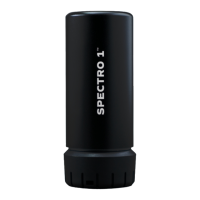
Do you have a question about the Variable Spectro 1 and is the answer not in the manual?
 General
| Brand | Variable |
|---|---|
| Model | Spectro 1 |
| Category | Measuring Instruments |
| Language | English |
Download the Spectro by Variable app from the website or app stores.
Launch the app and create an account with name and email.
Pair the Spectro 1™ device to the mobile app via Bluetooth.
Calibrate the Spectro 1™ device using the included tiles when prompted by the app.
Scan colors by placing the Spectro 1™ flat and pressing the button or app scan.
Explains LED ring status for Bluetooth pairing and color scanning.
Describes blue LED ring patterns for paired devices.
Describes blue LED ring patterns for charging and battery levels.
Explains green LED ring patterns for charging and battery levels.
Explains yellow LED ring patterns for battery levels (25%-50%).
Explains red LED ring patterns for battery levels (0%-25%).
Accesses the main menu of the Spectro by Variable app.
Displays scanned color, LAB values, closest matches, filters, and Delta E difference.

 To Next Page