Need help?
Do you have a question about the Varier Variable Plus and is the answer not in the manual?
Identifies all components and hardware required for assembly, including quantities.
Mount the floor brace with specific orientation and temporarily secure screws.
Connect the main frame components using specified hardware.
Attach metal brackets to the frame using metal screws.
Connect wooden supports to the frame using wooden dowels/screws.
Secure the backrest to the assembled frame using the remaining screws.
Ensure all screws are tight post-assembly and periodically thereafter for stability.
Information on extended warranty for parts and online product registration.
 General
| Adjustable | Yes |
|---|---|
| Weight capacity | 120 kg |
| Category | Indoor Furnishing |
| Wood Type | Beech |
| Base | Wooden runners |
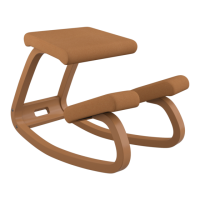
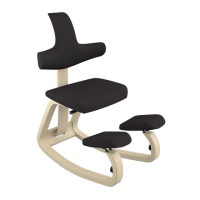
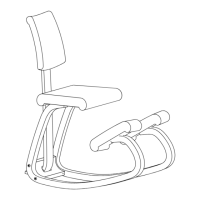
| Chair Type | Kneeling chair |
| Designer | Peter Opsvik |
| Material | Wood, Fabric |
| Seat Material | Fabric |
| Function | Ergonomic seating |

 To Next Page