23
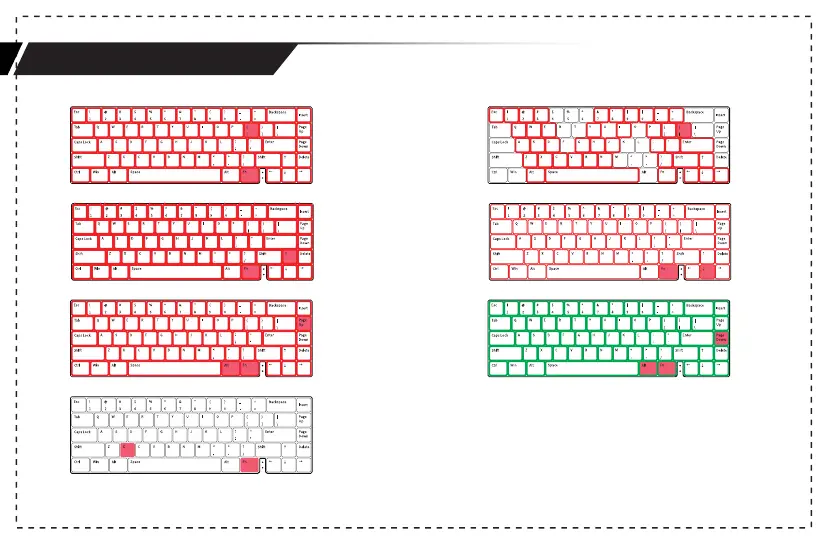
·Press FN+】to switch to the next light effect.
Press FN+【 back to the last light effect.
·Press FN+↑ or FN+↓ to adjust the
brightness of light effects.
·Press FN+Alt+PgDn to switch to the next color.
Press FN+Alt+PgUp back to the last color.
·Press FN+X to turn on/off the light effects.
Lighting effect switch example



 To Next Page