V-AVM650D
48
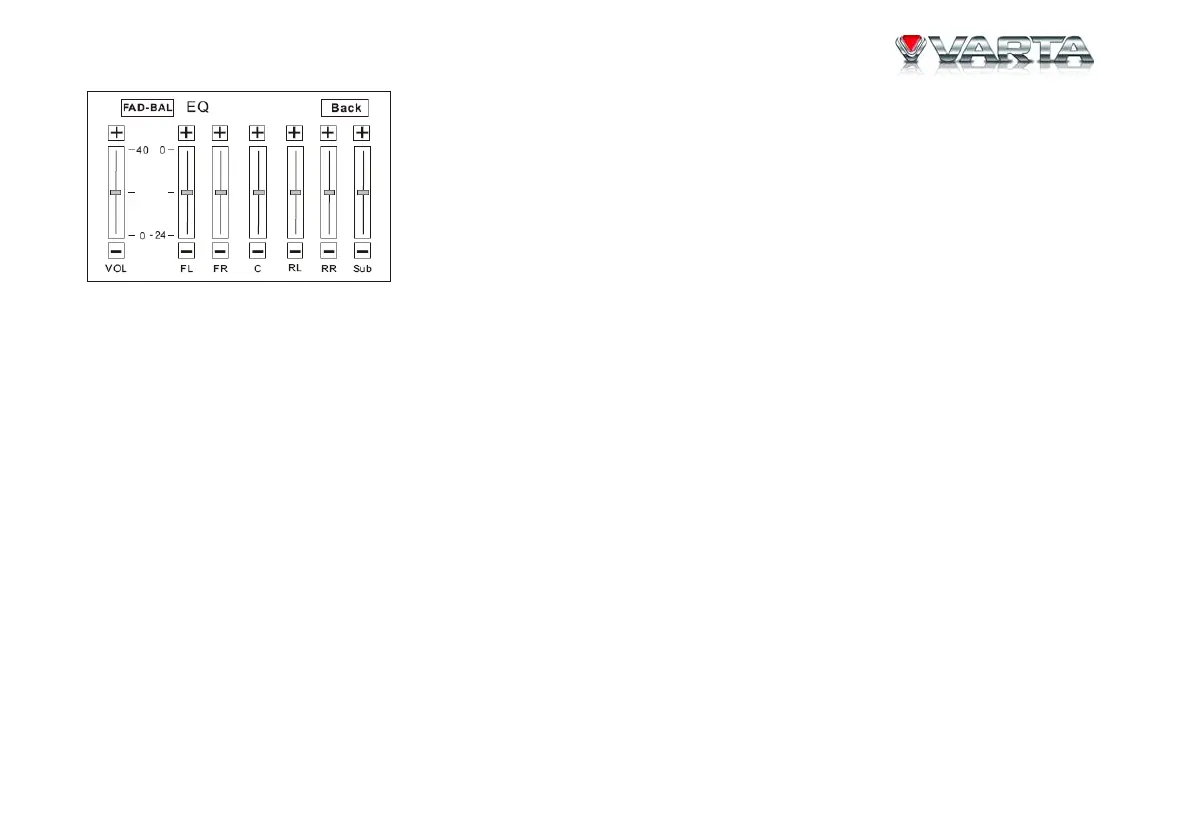
• Adjust FAD-BAL parameters
Touch and drag the EQ parameters adjustment bar or press +/- buttons on the screen.
5. Exit EQ mode
Press BACK button on the screen to exit EQ mode
Notes: The EQ modes are: User, Rock, Hip Hop, Dance, Latin, Rave, Urban and Acoustic. The EQ mode will
change to “User” automatically when you adjust EQ parameters under the modes besides “User”.


 To Next Page