EasyManua.ls Logo

Varta V-AVM711D - User Manual

Varta V-AVM711D
120 pages
Print Icon
To Next Page IconTo Next Page
Loading...
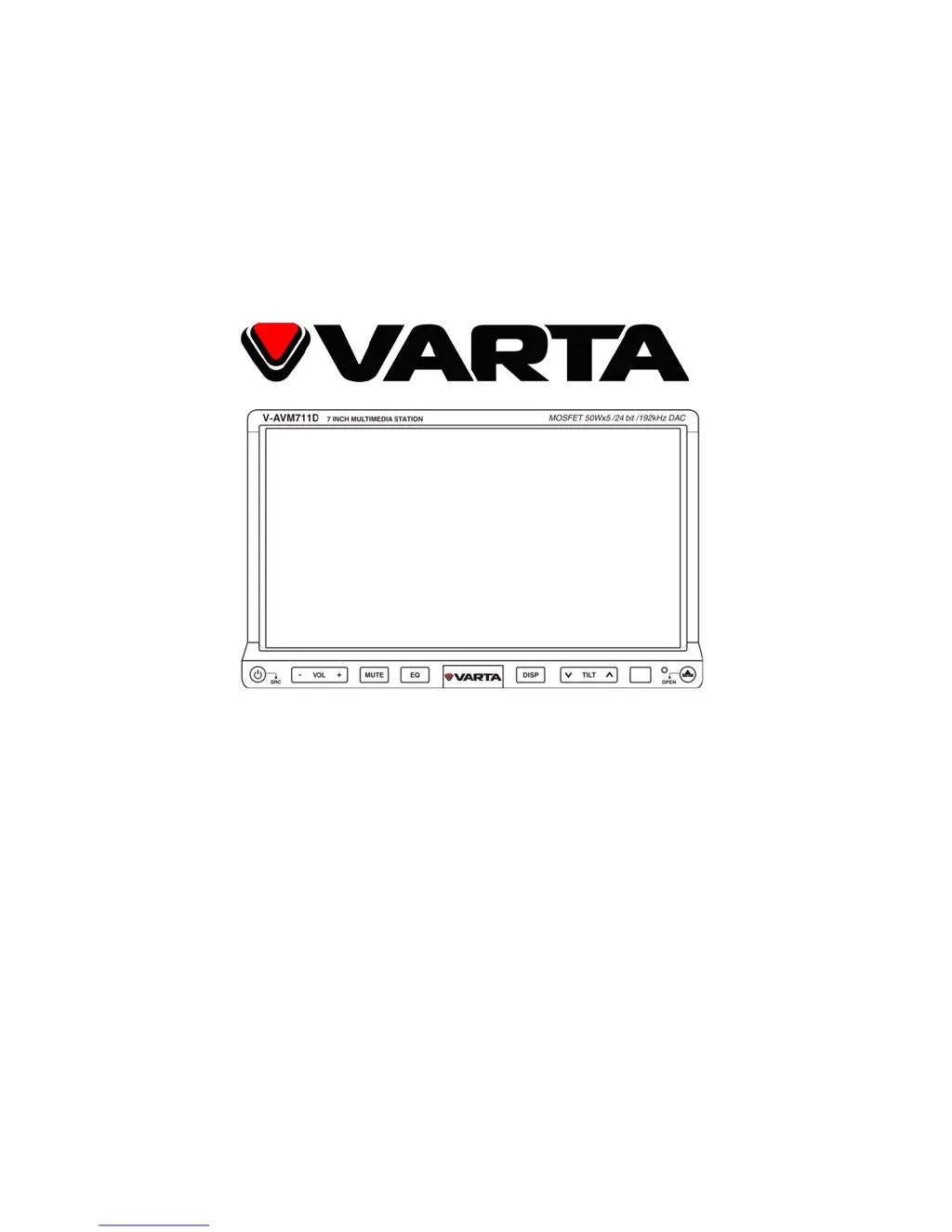
V-AVM711D
2DIN МУЛЬТИМЕДИЙНЫЙ DVD-РЕСИВЕР С 7” МОТОРИЗОВАННЫМ TFT- ДИСПЛЕЕМ, ТВ-
ТЮНЕРОМ, ИНТЕРФЕЙСОМ BLUETOOTH И ВОЗМОЖНОСТЬЮ РАБОТЫ С GPS-
НАВИГАЦИЕЙ
2 DIN MULTIMEDIA DVD RECEIVER WITH MOTORIZED 7” TFT DISPLAY, TV TUNER,
BLUETOOTH AND COMPATIBILITY TO GPS
Instruction manual Руководство по эксплуатации

Questions and Answers

Summary

Important Safeguards

Accessories and Hardware

Installation

Installation Methods

Covers different methods for installing the unit into the vehicle dash.

Trim Ring Installation

Details the process of fitting the trim ring around the unit.

Wiring Connection

Controls Overview

Remote Control

Remote Control Usage Notes

Provides usage notes and battery installation for the remote control.

Basic Operations

Core Unit Operations

Covers source selection, monitor adjustments, and display mode changes.

Picture Setup

Guides users on adjusting picture settings like brightness and contrast.

Radio Operations

Radio Station Management

Covers selecting radio bands, searching for stations, and automatic presetting.

Manual Station Presets and Scan

Details manual station saving, recalling presets, preview scanning, and local seeking.

RDS Operations

RDS Features Explained

Explains the AF (Alternative Frequencies) and TA (Traffic Announcement) functions.

RDS Data Information

Describes various RDS data types like PTY, PS, Clock Time, Radio Text, and Traffic Program Flag.

Disc Operations

Disc Handling and Touch Controls

Covers disc insertion/ejection and using onscreen touch controls for playback.

Playback Control Functions

Details stopping playback, viewing file lists, and fast forward/reverse operations.

Advanced Playback Modes

Explains slow playback, repeat functions, and A-B repeat for discs.

Disc Search and DVD Menu

Covers random/intro playback, file search, and DVD menu/title operations.

DVD Features and PBC

Details DVD audio/subtitle selection, multi-angle views, and VCD PBC function.

Picture and Playback Information

Covers picture zoom/rotate, slide modes, and playback information display.

USB;SD Operations

USB;SD Card Management

Covers selecting modes, controls, and playback for USB and SD card media.

USB;SD Playback Features

Details file navigation, repeat, random playback, search, zoom, and rotation for USB/SD.

Bluetooth Operations

Bluetooth Onscreen Controls

Lists onscreen buttons for Bluetooth functions like keypad, phone, pairing.

Bluetooth Modes and Pairing

Explains Bluetooth modes, functions, and pairing procedures for phone and stereo.

Bluetooth Call Management

Covers dialing, hanging up, and transferring voice during Bluetooth calls.

TV Tuner Operations

TV Tuning Operations

Details selecting tuner mode, auto/manual search, auto store, and preview scan.

TV Channel Navigation

Explains how to switch between TV channels and tune to a specific channel.

Other Modes

Auxiliary and Special Modes

Describes AUX input, camera, navigation, PIP, and multi-zone rear screen modes.

Equalizer

Equalizer Setup and Adjustment

Guides users through entering EQ mode, selecting modes, and adjusting parameters and balance.

Setup

General and Language Settings

Covers general settings like clock, video input, parking, and language options.

Audio, Speaker, and Bluetooth Settings

Details audio modes, speaker settings, and Bluetooth connection/pairing configurations.

RDS, Tuner, and Parental Controls

Covers RDS, tuner region, TA volume, parental lock, and factory reset.

Hardware and Calibration Settings

Details camera, TFT open, programmable volume, and touch screen calibration settings.

Handling Discs

Disc Care and Cleaning

Provides instructions on proper disc handling and cleaning the unit and discs.

Troubleshooting Guide

Specifications

Varta V-AVM711D Specifications

General IconGeneral
CategoryCar Receiver
BrandVarta
ModelV-AVM711D
USB PortYes
BluetoothYes
Radio TunerFM
CompatibilityMP3, WMA