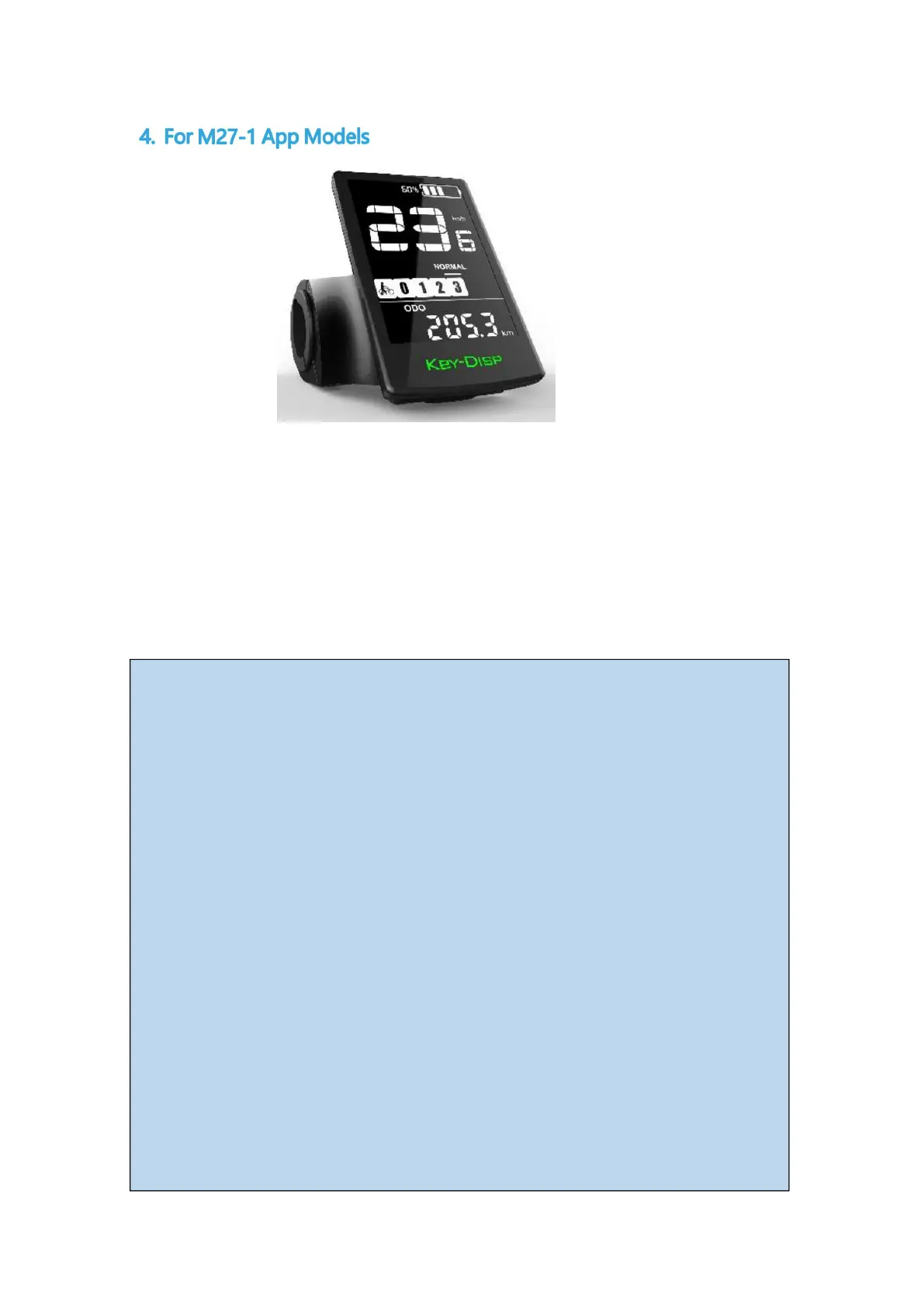
The KD716-V instrument matches the K5 buttons and has 5 buttons:
ON/OFF, i-button, plus-button, headlight-button, and minus/boost-button; in
subsequent descriptions, the ON/OFF button is replaced by the word "ON/OFF";
the i-button is replaced by the word "i"; the plus-button is replaced by the word
"+"; and the minus/boost-button is replaced by the word "-".
Setup Instructions:
Display Interface: after the meter is turned on, the meter displays real-time
speed (km/h) and single mileage (km) by default. Short press "i"" button to
display information between single mileage TRIP (km), maximum speed MAX
(km/h), average speed AVG (km/h), total mileage ODO (km), riding time TIME
(min), power POWER (W) cycle Switching.
Assisted Push: Press and hold the " - " button, after 2 seconds, the electric
vehicle enters the state of electrically assisted push. The electric vehicle is
traveling at a constant speed of not more than 6Km/h. Release the "-" button
and the scooter will immediately stop power output and return to the state
before power assisted pushing.



 To Next Page