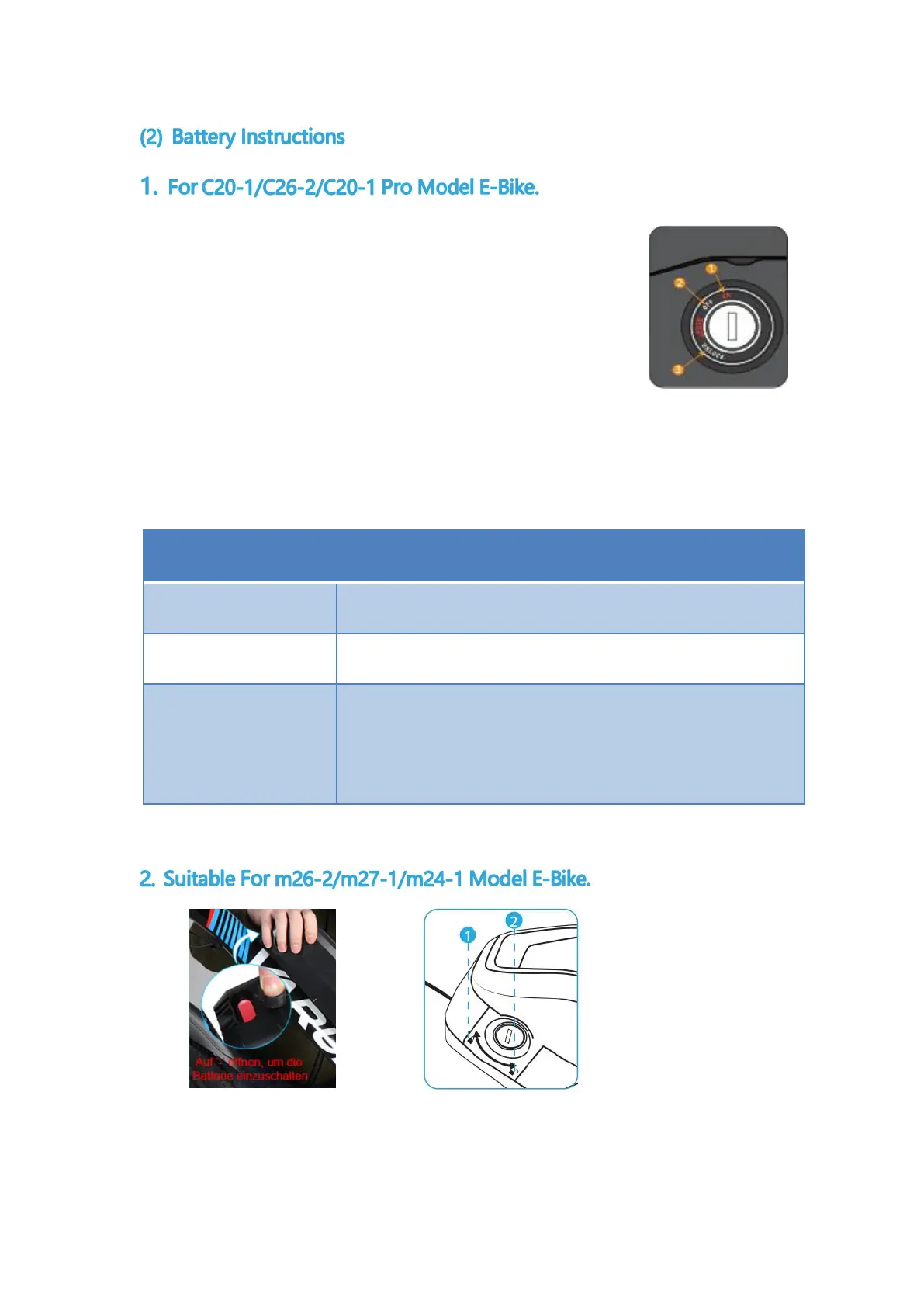
Familiarize yourself with key ports and key locations before
riding. The following figure shows the key ports aligned with the
press key port aligned with key location 1, consistent with the ON
icon. In key position 1, the battery is in the "ON" position, the
battery is locked to the frame, and the key cannot be removed. The key cannot be
removed.
Before using this product, first you need to turn on the red switch on the
top of the battery, press "-" to turn on the battery switch. In key position 1, the
Power on, battery locked to frame
Power off, battery locked to frame
The power is turned off and the battery is unlocked
From the frame, at which point you can remove



 To Next Page