English 7
1.4 First start
1. After turning the device on, choose your language. Then, read
and accept the terms of service. The language chosen will
change all the regional settings.
2. Slide the screen right to unlock.
3. You will see the main screen of Vasco Mini. The device is now
ready to use.
2. Vasco Mini
Vasco Mini recognizes voice and translates full sentences into sup-
ported foreign languages. The translator pronounces the translated
text out loud. For the full list of supported languages consult the man-
ufacturer’s website. Vasco Translator needs a WiFi or a GSM network in
order to translate.
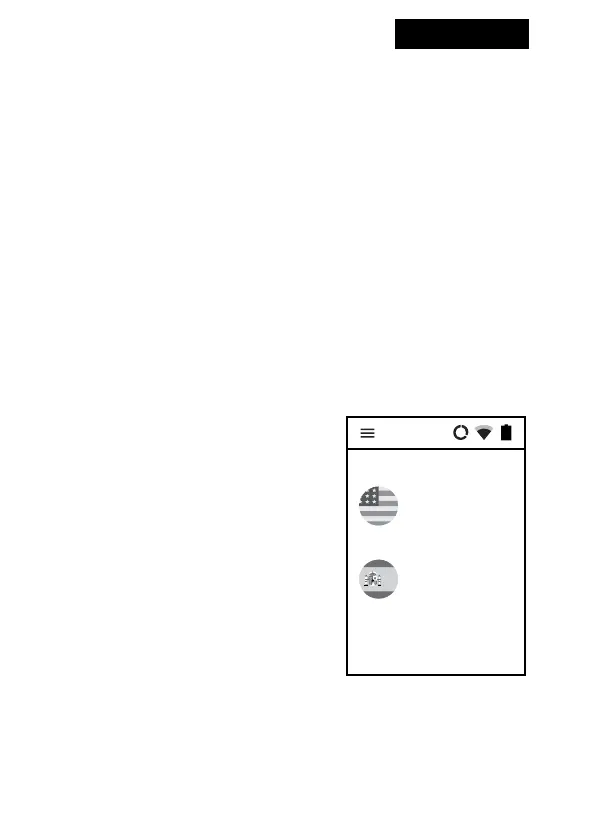
2.1 Choosing the
source and target
languages
Tap the ag to see the list of available
languages. Swipe up or down to nd
the language you need. Tap the name
of the language to activate it.
English
(English)
Spanish
(Español)
OK


 To Next Page