8 English
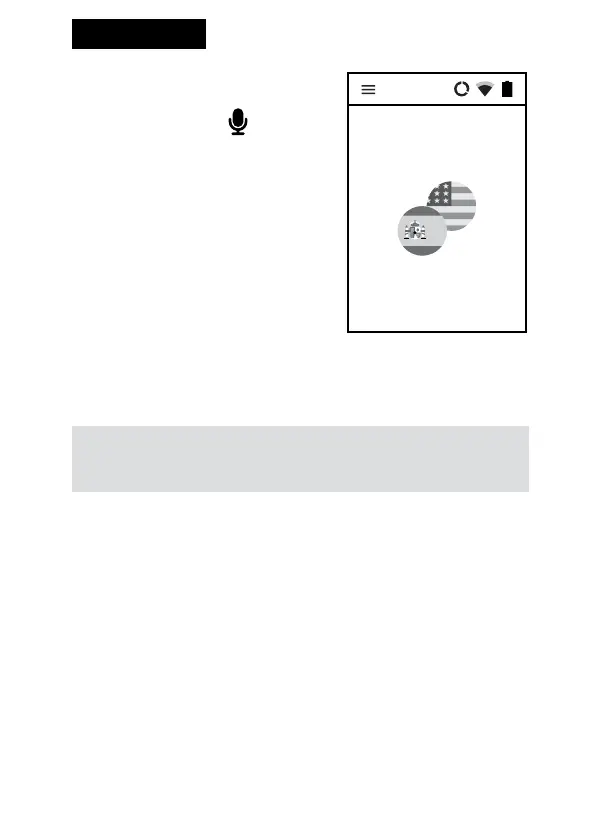
2.2 Voice recognition
The hardware buttons serves to
enter text using the voice recogni-
tion function. In order to enter text
for translation, tap and hold the key
and, after hearing a beep, say what
you want to translate in a clear,
monotonous voice, from a distance
of a foot (30 cm).
When you nish, the translation is
done automatically and lasts about
2 seconds.
It is possible to enlarge the text box. To do so, double tap the screen.
To close the enlargement window tap “back”.
WARNING! The quality of voice recognition may worsen in a
loud environment.
2.3 Pronunciation
The pronunciation starts automatically . Press Enter to listen to it again.


 To Next Page