English 9
2.4 History
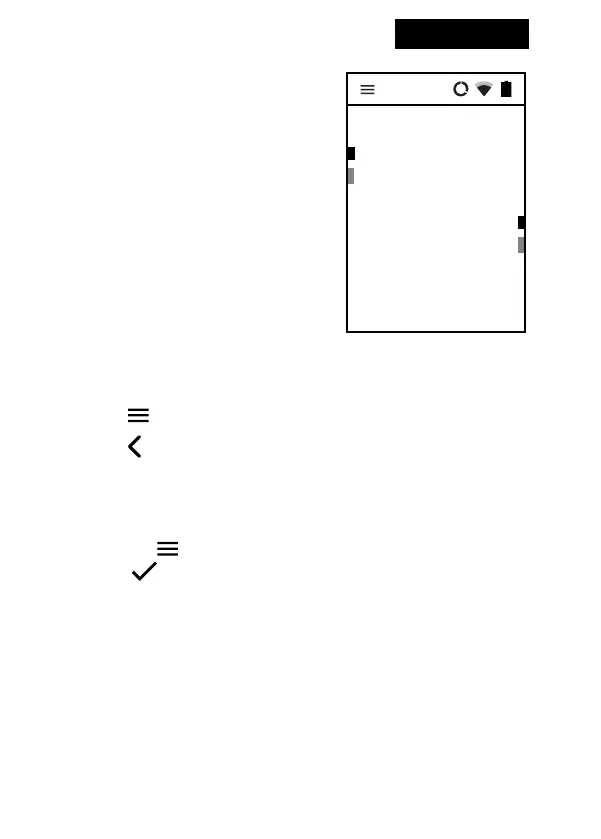
The translations appear in the main
screen in chronological order. Use
Up and Down arrow keys to navigate
between the translated sentences.
Press Enter to playback
Where do you live?
¿Dónde vives?
Vivo en el centro
I live in the center
OK
3. Menu
Tap the or swipe right to enter the menu of the device.
Tap the or swipe left to get back to the “select language” screen.
3.1 Clean history
Tap and hold the line for about 1 second to delete it.
To delete all the translations, go to the menu of the device
by tapping , select “Clean history”, press Enter and conrm by
pressing .
3.2 Device Settings
Swipe right, then select “Device Settings” to set up your WiFi connec-
tion, congure your SIM card or change the application language, etc.


 To Next Page