Vax Careline: AU: 1300 361 505
NZ: 0800 800 900
11
Operation
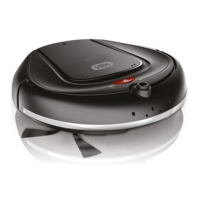
WARNING: Danger of injury! You can let your robot run unsupervised, however always be careful not to
step on it, this could cause you to fall.
CAUTION: Although your robot recognises drop-os, we strongly advise against using it on furniture. It is not
suitable for this type of use.
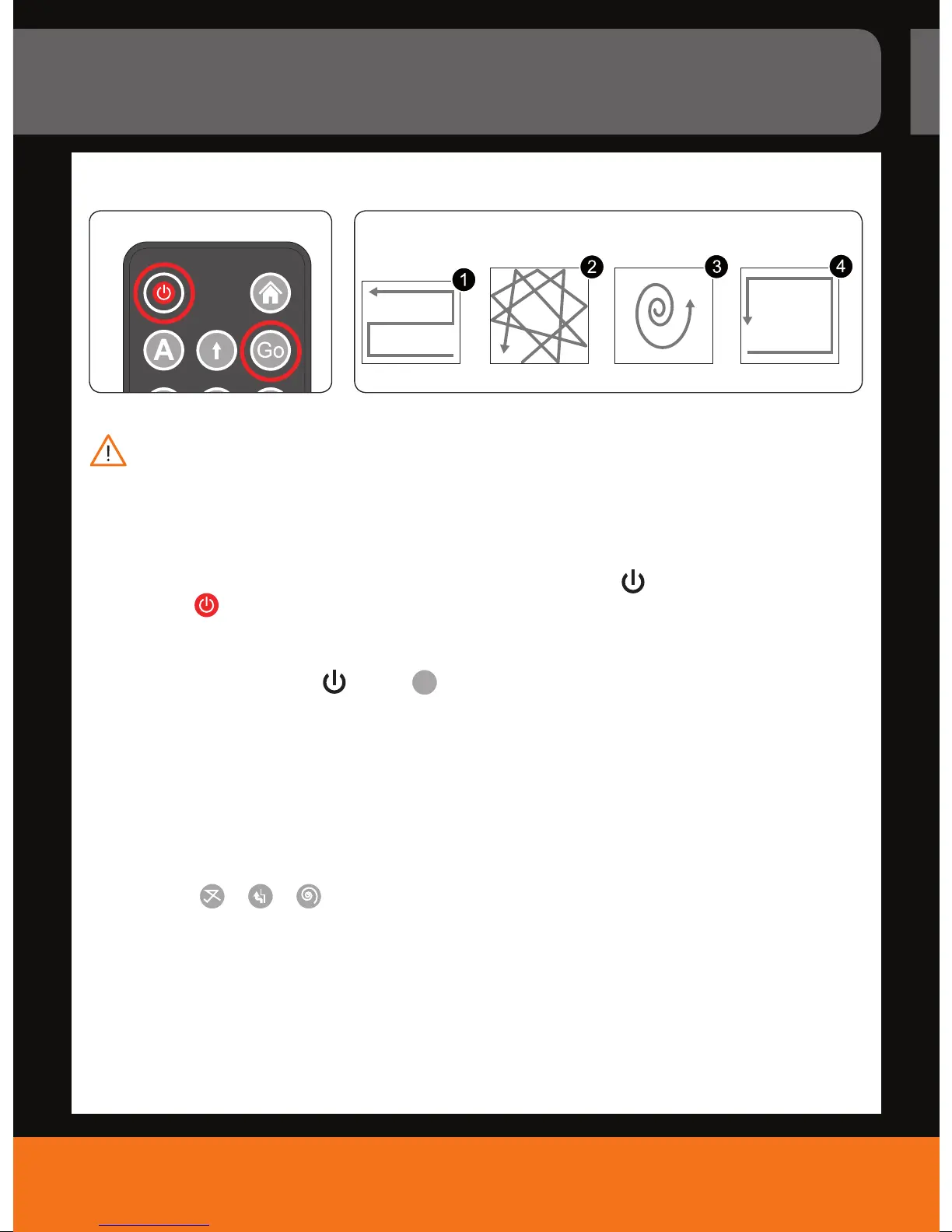
1. Turn on the robotic cleaner. To do this, either press the robot’s “On/O” key (
) for more than 1 second
or press the “ “ key on the remote control.
- A short beep occurs.
- Both LEDs are lit.
2. Press the robot’s “On/O” key (
) or the “
Go
“ key on the remote control to start the robot.
- A tune is played.
- The red LED turns o. The blue LED is still lit.
- Your robot starts in power mode;
- If you want to adapt the cleaning rate, see “Switching between power or silent mode”, on page 13.
- Based on certain conditions such as the underlying surface, room geometry, obstacles and so on your robot
will switch between cleaning patterns to achieve optimum eciency (Fig. 11/1 to 4).
NOTE: Alternatively, you can activate the cleaning patterns you prefer via remote control. Just press one of the
following keys: “
“, “ “, “ “. Note that best cleaning results are achieved, if your robot combines
all 4 cleaning patterns automatically.
How to vacuum
10. 11.
Snake Random Spiral
Cleaning Patterns
Perimeter



 To Next Page