Vax Careline: AU: 1300 361 505
NZ: 0800 800 900
vax.com.au
vax.co.nz 2
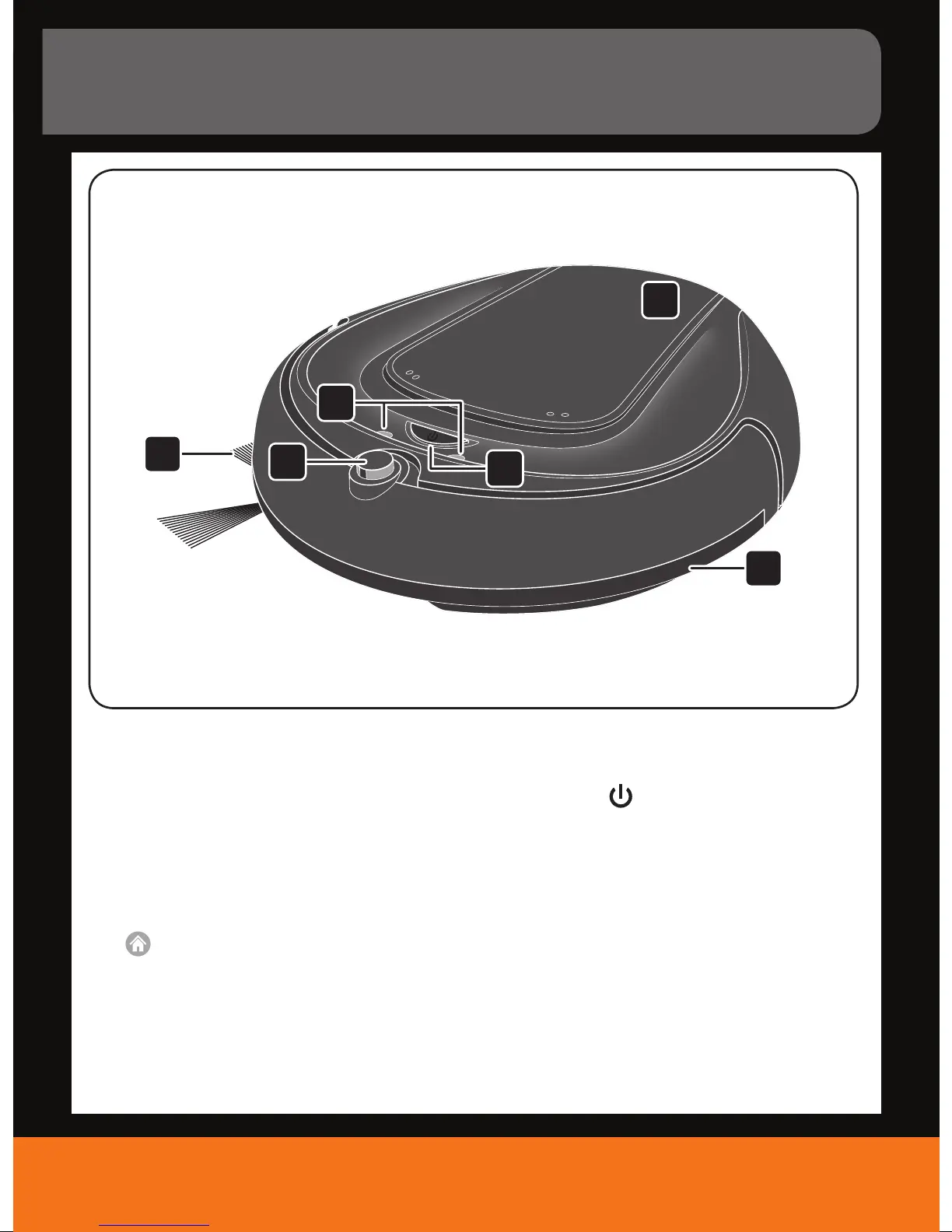
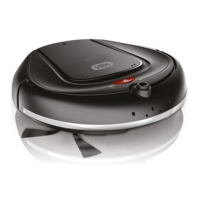
Machine Overview
6
1
2
5
4
3
1. Side brush:
- conveys dust to the main brush
- may be pulled o for short pile carpet cleaning
2. “Return to station” sensor:
- guides the appliance to the docking station as soon
as the battery capacity becomes low or it receives
the respective command from the remote control
(
)
3. LED indicators:
- indicate if the dust bin is not in the robot
- indicate if the cli sensor detects a cli
- indicate if the bumper got stuck
- indicate if the motor is overloaded
- Also see Troubleshooting on page 19
4. “On/O” key (
):
- switches the appliance on or o if pressed longer
than 1 second
- starts cleaning if the appliance is switched on and
pressed less than 1 second
5. Upper cover:
- covers dust bin module and
- covers battery compartment
6. Bumper:
- senses impact and causes the appliance
to bounce backwards
- if triggered constantly for 5 seconds or longer the
robot will stop automatically
Robot vacuum cleaner in detail



 To Next Page