Charging the battery
WARNING: Do not attempt to use the vacuum cleaner when the machine is plugged in and charging.
WARNING: For best performance the charging port must be clean and free from dust and dirt. The life expectancy
of the battery will vary depending on the usage of the vacuum cleaner.
CAUTION: When using the vacuum continuously the battery pack will become hot. If this occurs the vacuum should
be left to cool before attempting to recharge. When the battery pack cools, the charger will automatically begin
charging.
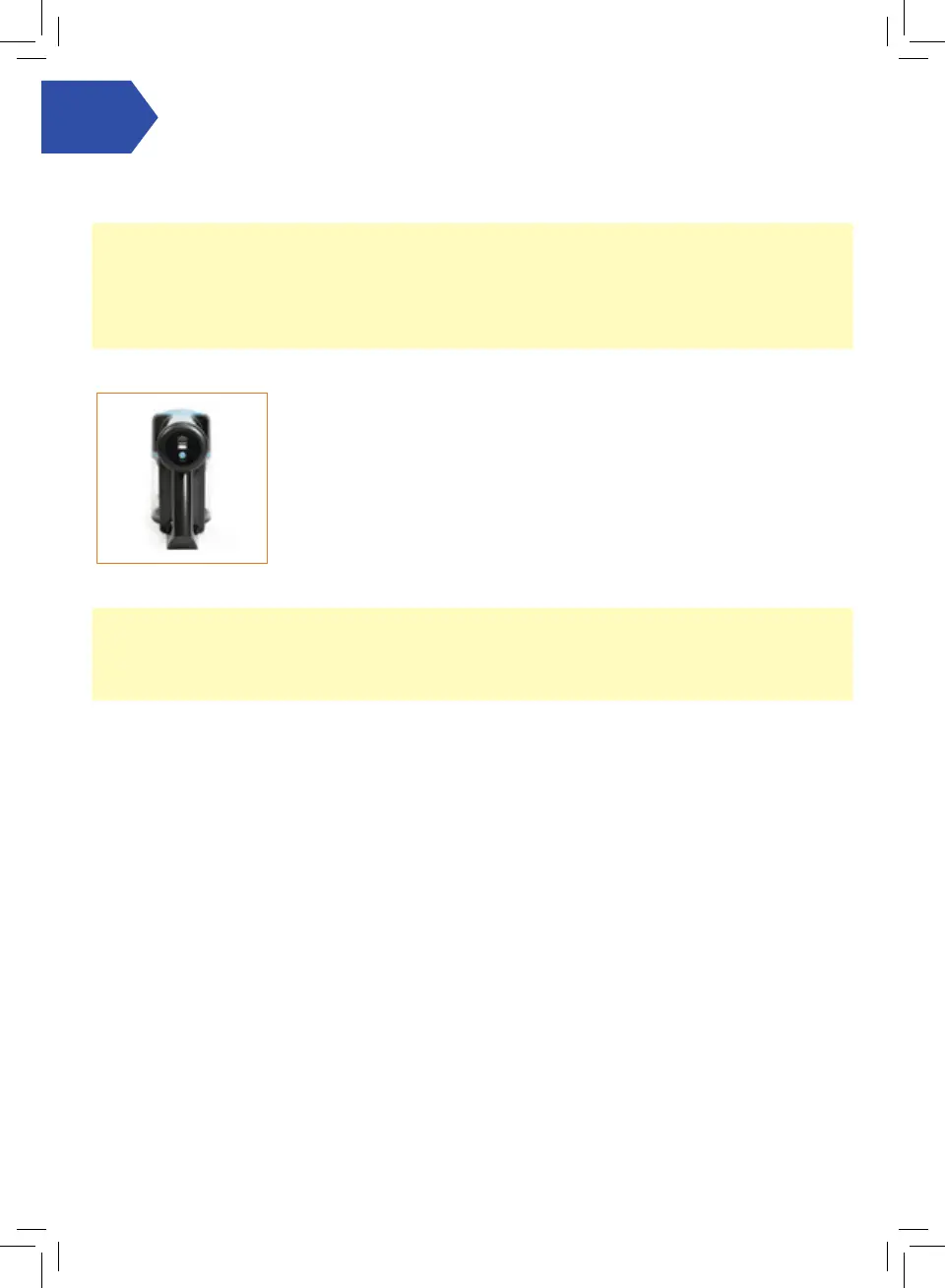
While charging, the Power and Charge Indicator lights will illuminate to show the
current level of charge.
Flashing lights – The battery is charging.
Three solid lights – The battery is fully charged (after 5 hours). The lights will then
turn o approximately one minute after the battery is fully charged.
Getting started
NOTE: Fully charge the battery before using the vacuum for the rst time.
During use if the battery requires charging the last light will ash until the vacuum runs out of the power. If this
occurs the vacuum cannot be turned on and requires charging, all three lights on the Power and Charge Indicator will
ash to indicate this status.




 To Next Page