Using your machine
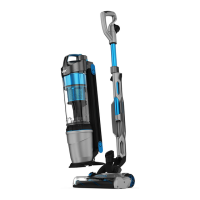
Using your vacuum cleaner
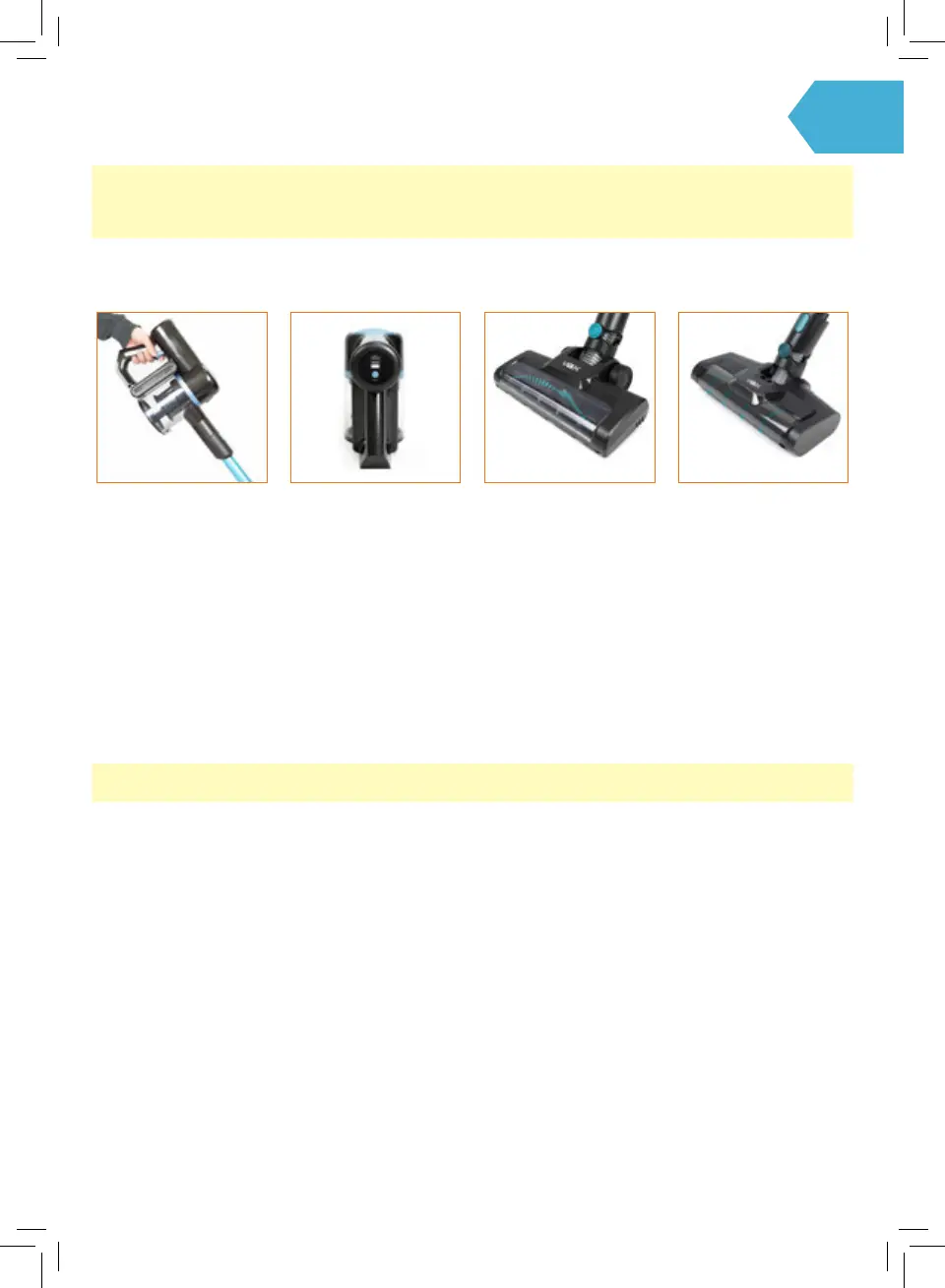
Press the On/O Trigger
located on the handle,
the machine will switch
‘On’. The Power and
Charge Indicator lights will
illuminate indicating that
the power is on. Press the
trigger again to switch the
machine ‘O’.
When the machine is
in use the Power and
Charge Indicator lights will
illuminate indicating how
much charge is remaining.
When the vacuum is
running low on power the
bottom light will ash
indicating that the battery
is running low and
charging is required.
Multi-Surface Floor Head
is engineered for optimal
cleaning performance on
carpet and hard oors.
CAUTION: This vacuum cleaner has a constantly rotating brushbar, which is activated when the vacuum is switched
on. Never leave the vacuum cleaner in one spot for an extended period of time as this may damage the oor surface.
CAUTION: Ensure that the vacuum is switched o before performing maintenance or troubleshooting checks.
Microbre Hard Floor
Head easily captures
large debris and ne dust,
designed specically for
hard oor surfaces.
NOTE: Microbre Hard Floor Head is only available with selected models.




 To Next Page