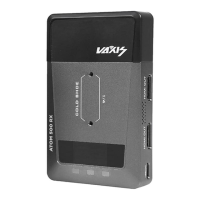
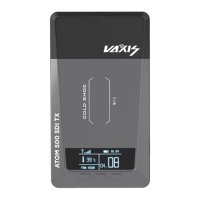
TX Firmware Upgrade
1) Copy the firmware upgrade file to a USB Flash Drive.
2) Power on TX, wait until frequency information appears.
3) Insert the USB flash drive into the OTG adapter and connect it to the TX’s USB
Type-C port.
4) The TX unit will automatically upgrade the firmware in 2-3 minutes. When the
device finishes upgrading, the TX unit will restart automatically.
RX Firmware upgrade.
5) Copy the firmware upgrade file to a USB Flash Drive.
6) Power on RX, wait until frequency information appear.
7) Insert the USB flash drive into the OTG adapter and connect it to the RX’s USB
Type-C port.
8) The RX unit will automatically upgrade the firmware in 2-3 minutes. When the
device finishes upgrading, the RX unit will restart automatically.
Note: Before copying the firmware upgrade file, make sure the USB flash drive is
formatted to FAT32. Please check the version info to make sure the system upgra-
ded successfully.
Firmware Upgrade


 To Next Page
 Loading...