19
00:00
2
1
A
B
00”
00”
C D
E
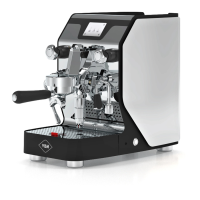
DOMOBAR SUPER ELECTRONIC
· Load water as described in paragraph “Water load”.
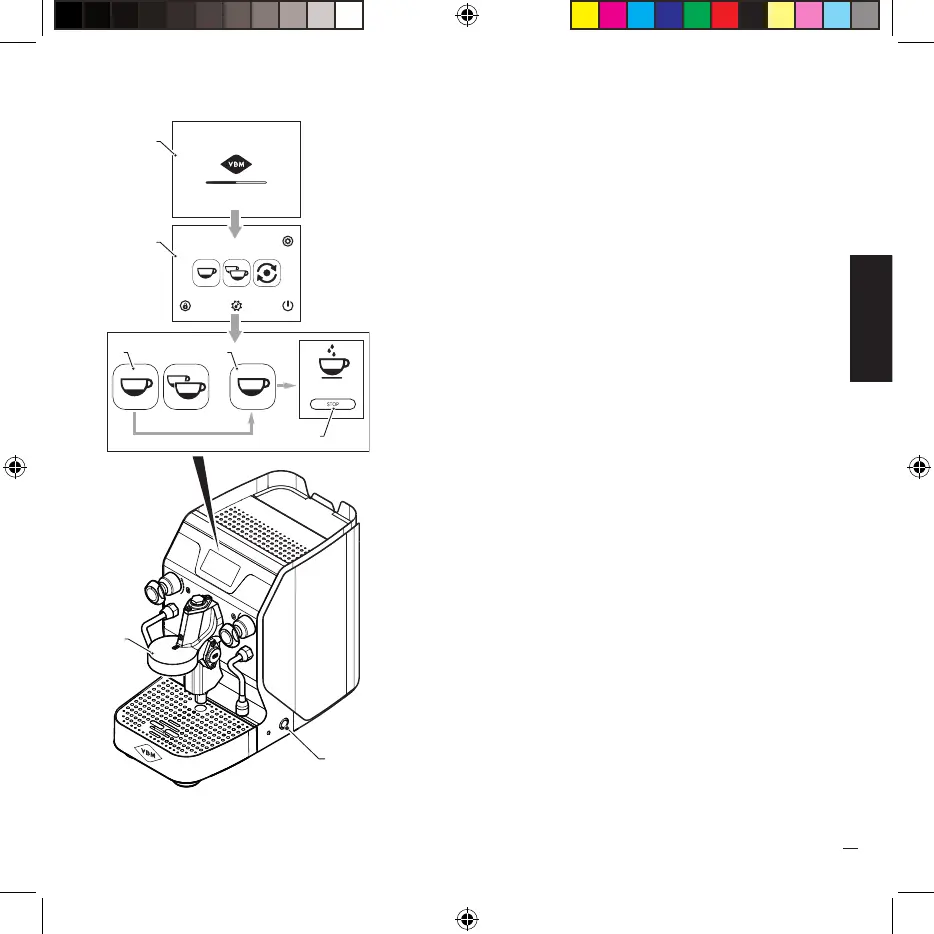
· Press the line switch (1) which lights up and the water
heating is activated, the logo (A) appears on the display.
· Set the language, unit of measurement, time and date as
indicated in paragraph 8.
· Wait for the boiler water temperature to be reached,
indicated by the appearance of screen (B) on the display.
· On the display select one of the two coffee dispensing
icons (C) and then start dispensing by selecting the icon
(D) on the next screen.
· When water comes out of the group (2) it means that
the boiler is full of water, at this point stop the delivery
by pressing the “STOP” key (E).
· Turn off the machine by pressing the main switch (1)
again.


 To Next Page