flashing green.
Setup
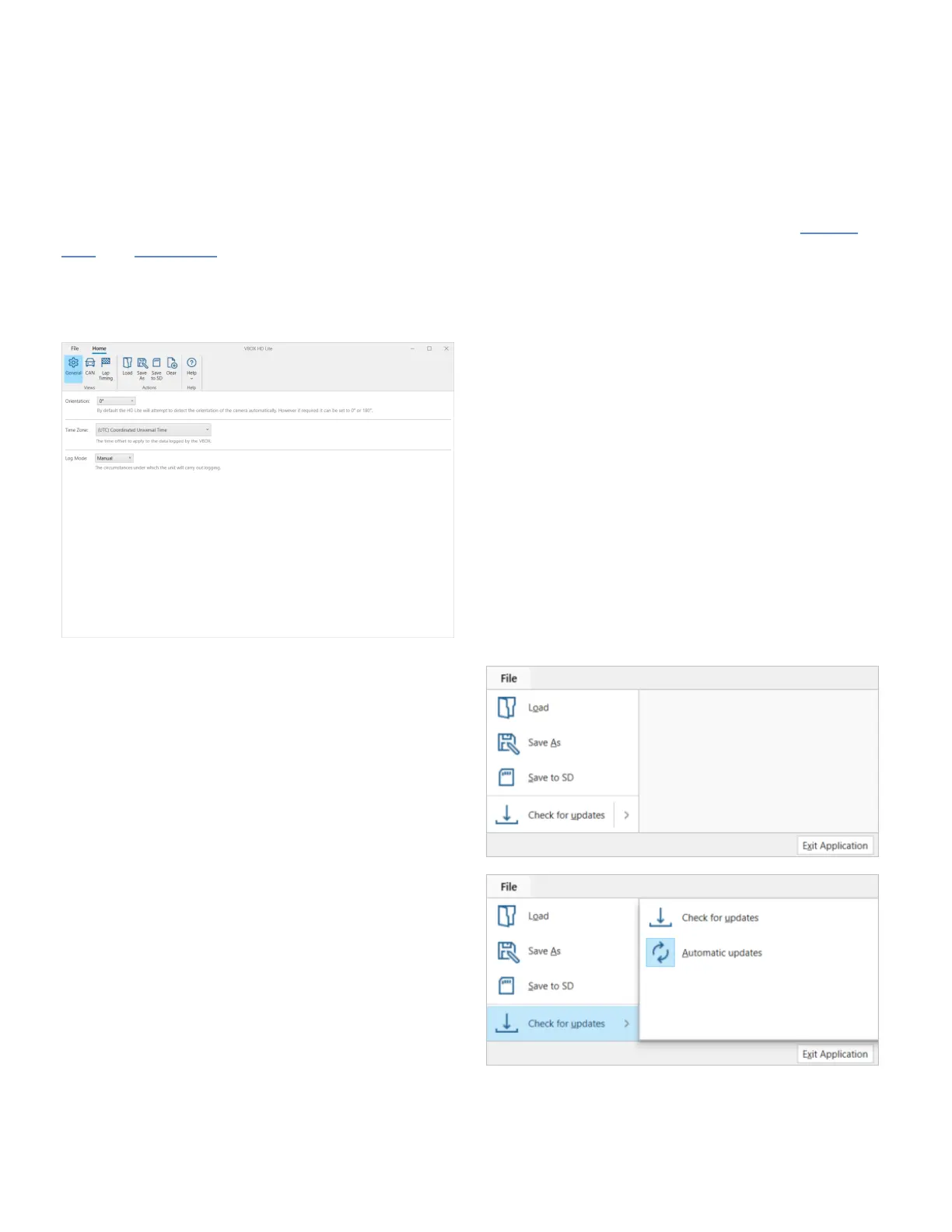
The VBOX HD Lite setup software will help you configure your VBOX HD Lite for your vehicle and event.
When you open the software, it will open the Home tab by default. You will see a toolbar with three menus; General,
CAN, and Lap Timing, as well as load and save buttons, a button to clear all configurations and a Help button. The
General menu will also be opened by default.
File
The file menu has the following options:
• Load
• Save As
• Save to SD
These options have the same functionality as the
equivalent buttons on the toolbar. See below for the full
description of each.
• Check for updates
Click Check for updates to run a check to see if there
are any available updates.
Click Automatic updates to the feature off or on. This is
5



 To Next Page