enabled by default.
When this is enabled, the software updates
automatically when Racelogic releases new versions.
The update will include an update of the main
application, the vehicle CAN database and the circuit
database.
Load
Clicking on the Load button will open a File Explorer pop-up. Navigate to the location of the config file (RLC file) you
wish to load and select to open it. The settings in the RLC file will be populated in the VBOX HD Lite setup
software.
You can also double-click on an .rlc file or right-click on it and select Open with... and VboxVideoHdLite.
Save As
Clicking on the Save As button will launch a File Explorer pop-up. Navigate to the location on your device in which
you want to save a config file (RLC) of the current configuration. Give your config file a name and click Save.
Note: The name of the config file cannot have more than 20 characters. If the file has more than 20 characters, the
HD Lite unit will not be able to load the file.
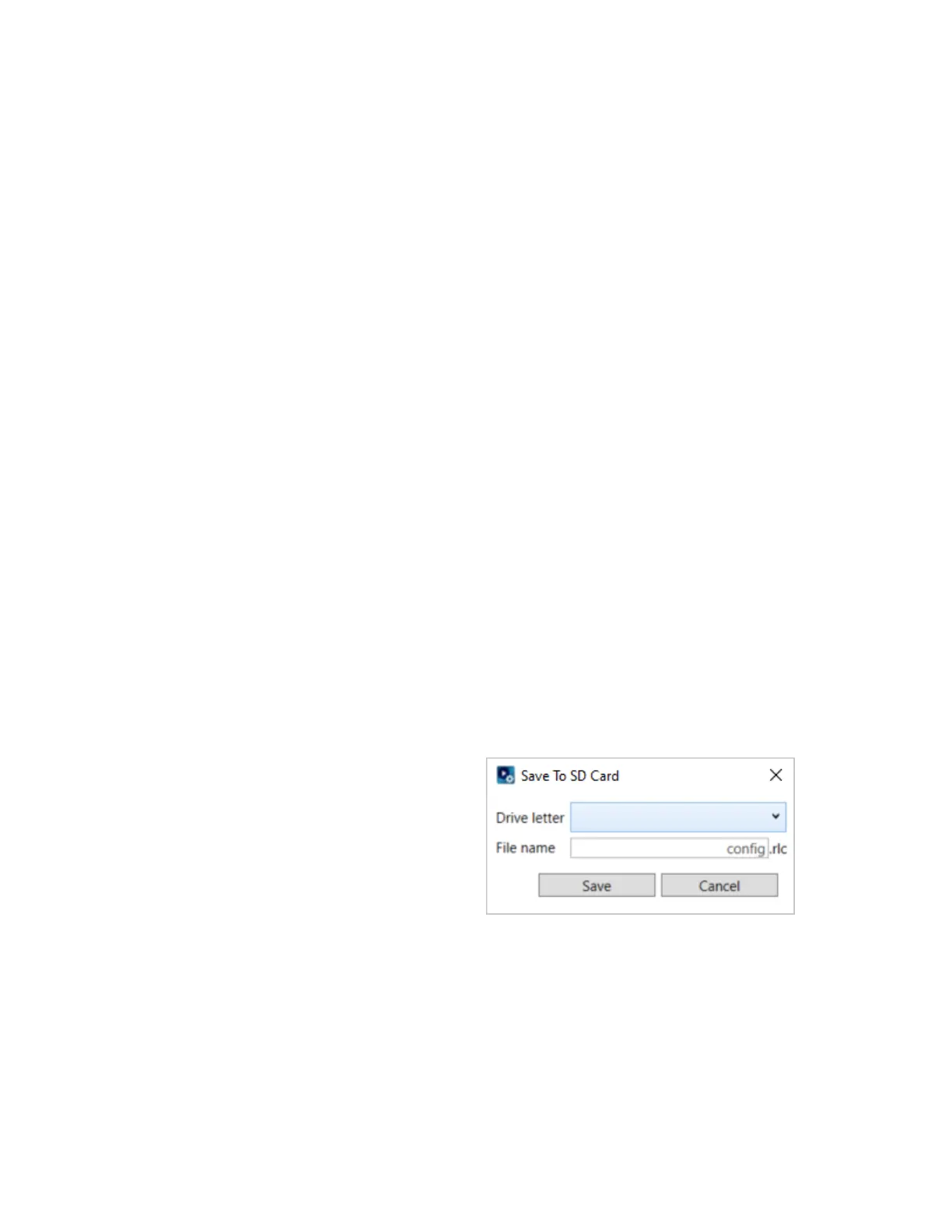
Save to SD
Clicking the Save to SD button will open an pop-up
window in the software in which you can navigate to the
applicable SD card that you want to save the file to and
name your config file.
Note: The name of the config file cannot have more than
20 characters.
6


 To Next Page
 Loading...