Clear
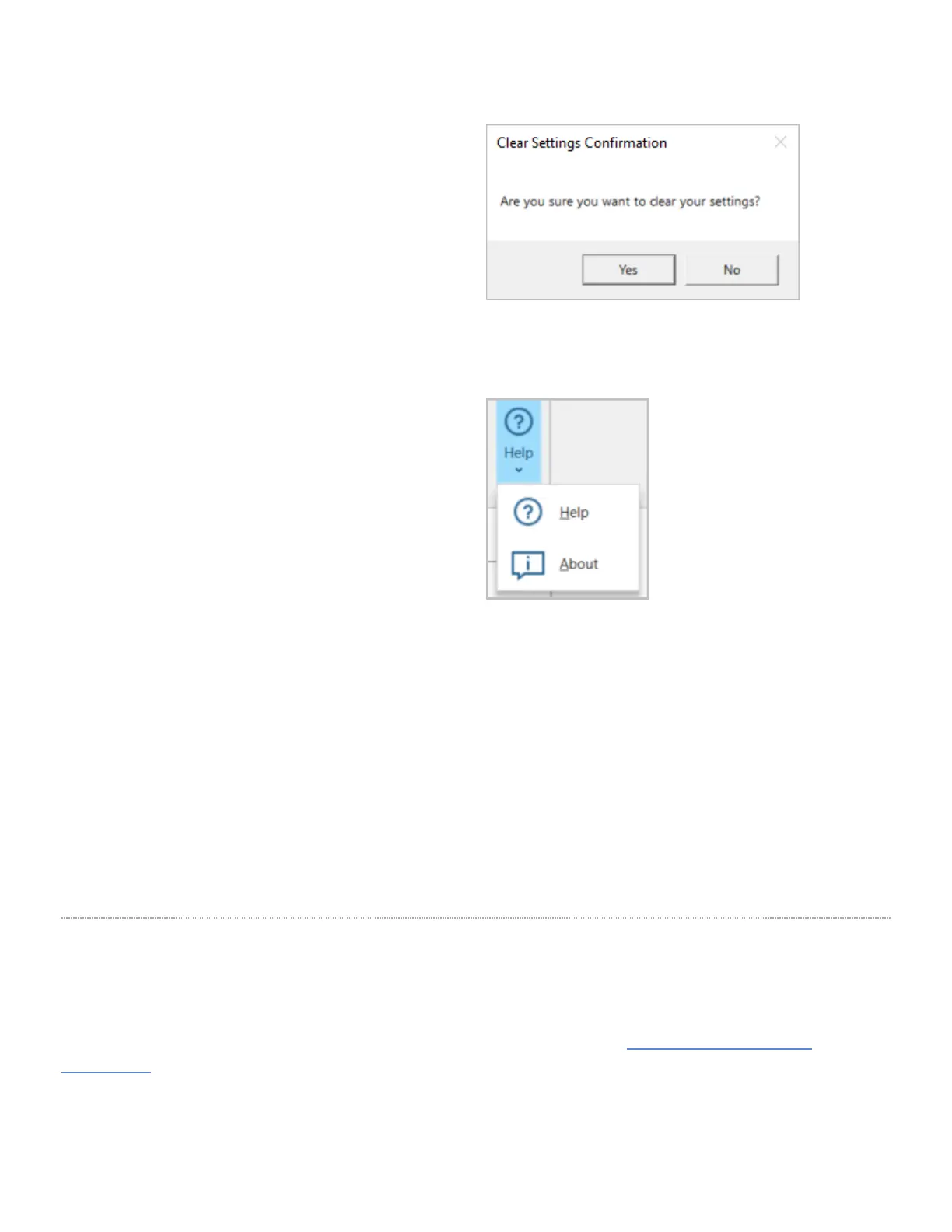
Clicking the Clear button will reset all options and
settings to their default values
Click Yes to confirm the reset or click No to close the
pop-up without resetting.
Help
Help
Clicking the Help option will launch a browser window
with the user guide for VBOX HD Lite.
About
Clicking the About option will launch a pop-up window
with information about the current versions of the HD
Lite setup software, the Vehicle CAN Database and the
Circuit Database.
Save the Configuration to HD Lite Unit
When you have finished the configuration of your HD Lite, you must save the config file (.rlc) to the root folder of your
microSD card and then insert the microSD card into the HD Lite. When the HD Lite boots up, it will check the microSD
card for an .rlc file. If it detects and .rlc file, it will compare the settings in it to the settings currently used and update any
settings that are different.
Installing in the Vehicle
Mounting
VBOX HD Lite is supplied with a Swivel Neck Suction Mount (RLACS287) for mounting on to a vehicle windscreen. It is
attached to the ¼” UNC screw thread fastener on the underside of the unit.
If you want to use other methods to mount the HD Lite unit, please see the list of compatible products and
accessories on the Getting Started page.
7


 To Next Page
 Loading...