EasyManua.ls Logo

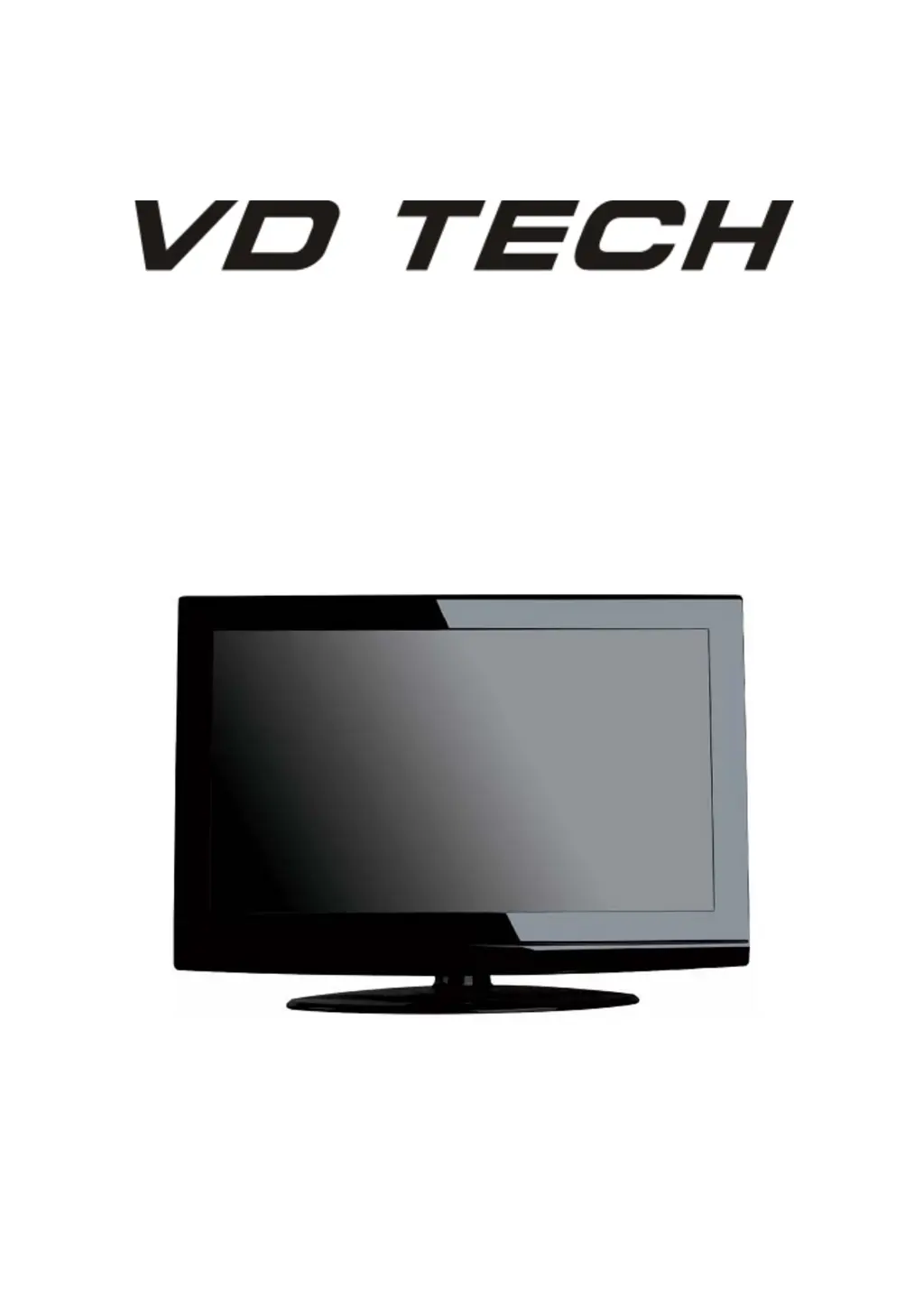
VD TECH TQT026AVDT.001 - User Manual

VD TECH TQT026AVDT.001
26 pages
Print Icon
To Next Page IconTo Next Page
Loading...
USER’S MANUAL
LCD TV SET
TQT026AVDT.001

Questions and Answers

  • D
    Dustin BenjaminAug 4, 2025
    How to fix VD TECH LCD TV that will not turn on?
    • B
      Becky MorrisAug 4, 2025
      If your VD TECH LCD TV isn't turning on, start by ensuring the power cord is securely plugged into the outlet. Also, check the remote control batteries and replace them if they're exhausted.
  • E
    Emily JonesAug 12, 2025
    What to do if my VD TECH LCD TV has no picture and sound?
    • D
      Debbie BennettAug 12, 2025
      If you're experiencing no picture and no sound on your VD TECH LCD TV, first verify the cable connection between the TV and your antenna or external AV device. Next, ensure the TV is powered on by pressing the power button on the remote. Finally, select the correct source by pressing the SOURCE button on the remote and using the “?/?” buttons to choose the TV source.
  • P
    perkinsjudithAug 19, 2025
    Why is the picture quality poor on my VD TECH LCD TV?
    • R
      Ryan GrayAug 19, 2025
      If the picture quality on your VD TECH LCD TV is poor but the sound is fine, try these steps: First, check the cable connection between your TV and the antenna or external AV device. If the connection is fine, try tuning to another channel as the broadcasting station may be experiencing difficulties. You can also adjust the brightness and contrast settings in the Video menu. Lastly, ensure that your TV is set to the PAL format.
  • K
    Keith WrightAug 27, 2025
    How to eliminate audio noise on VD TECH LCD TV?
    • M
      millerkimberlyAug 27, 2025
      If you're hearing audio noise from your VD TECH LCD TV, try moving any infrared equipment away from the TV.

Summary

Warning

Caution

Main unit description

Remote control

OSD basic adjustment

Picture Settings

Details how to adjust visual aspects like contrast, brightness, color, and sharpness.

Sound Settings

Explains audio configurations such as sound mode, treble, bass, and balance.

LOCK

ATV CHANNEL

Programme Editing

Tools for managing channels: delete, rename, swap, skip, favorite.

PC Setup

DTV Features

Electronic Program Guide (EPG)

USB Features

Media Playback

Supports playback of photos, music, and movies via USB.

PVR Operation

PVR File System Management

Manages USB disks for PVR functions: select, check, format.

Recording Modes and Schedule

Configures recorder mode and schedule list for PVR.

SPECIFICATIONS

Trouble Shooting

VD TECH TQT026AVDT.001 Specifications

General IconGeneral
Aspect Ratio16:9
Display TypeLCD
USB Ports1
Built-in SpeakersYes
Power Consumption50W
Display Size26 inches
Resolution1366 x 768