5
To turn off the machine
Turn the chemical supply valve clockwise to stop the supply of chemical. Keep the machine in operation for 5
seconds to help get rid-off any chemical mixture still in the system. Close the directional/close valve and press the
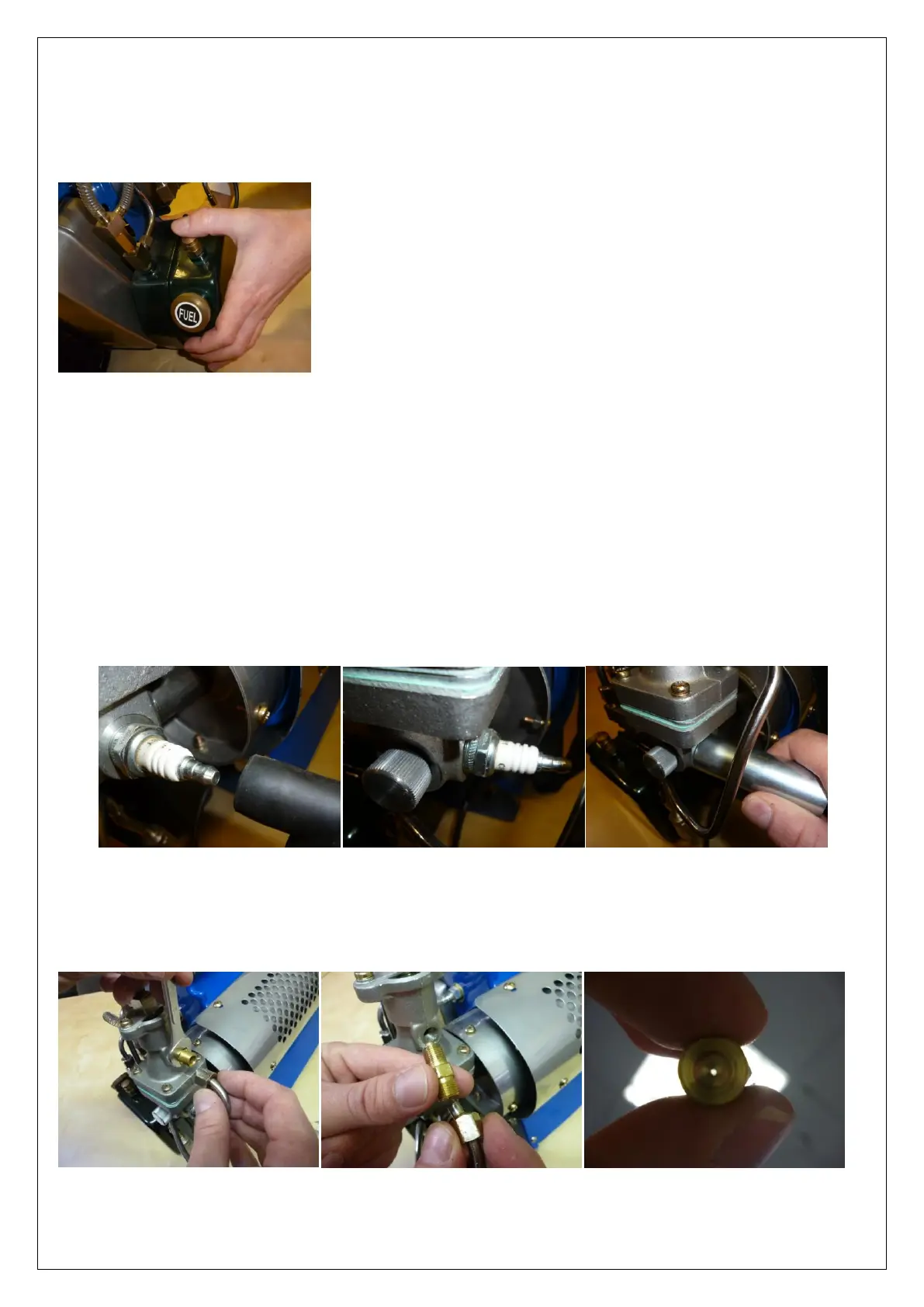
off/choke button located above the fuel tank to stop the machine.
MAINTENANCE
Cleaning the Chemical Tank and Pipes
Fill the chemical tank with 25% of clean water and turn on the unit. This will prevent corrosion and the accumulation
of chemical deposits in the tank and pipes.
Spark Plug Maintenance
Remove the spark plug using a spanner or spark plug remover. Remove any carbon deposits between the electrode
and the earth section with a wire brush. Make sure that there is a space of 3 to 5 mm between the electrode and the
earth.
Fuel injector Maintenance
Unscrew the fuel injector situated on the side of the carburettor. Clean the injector with compressed air to remove
any blockages.


 To Next Page