VECTOR 4 USER'S MANUAL
INTRODUCTION TO VECTOR 4 CP/M
Booting From a Floppy
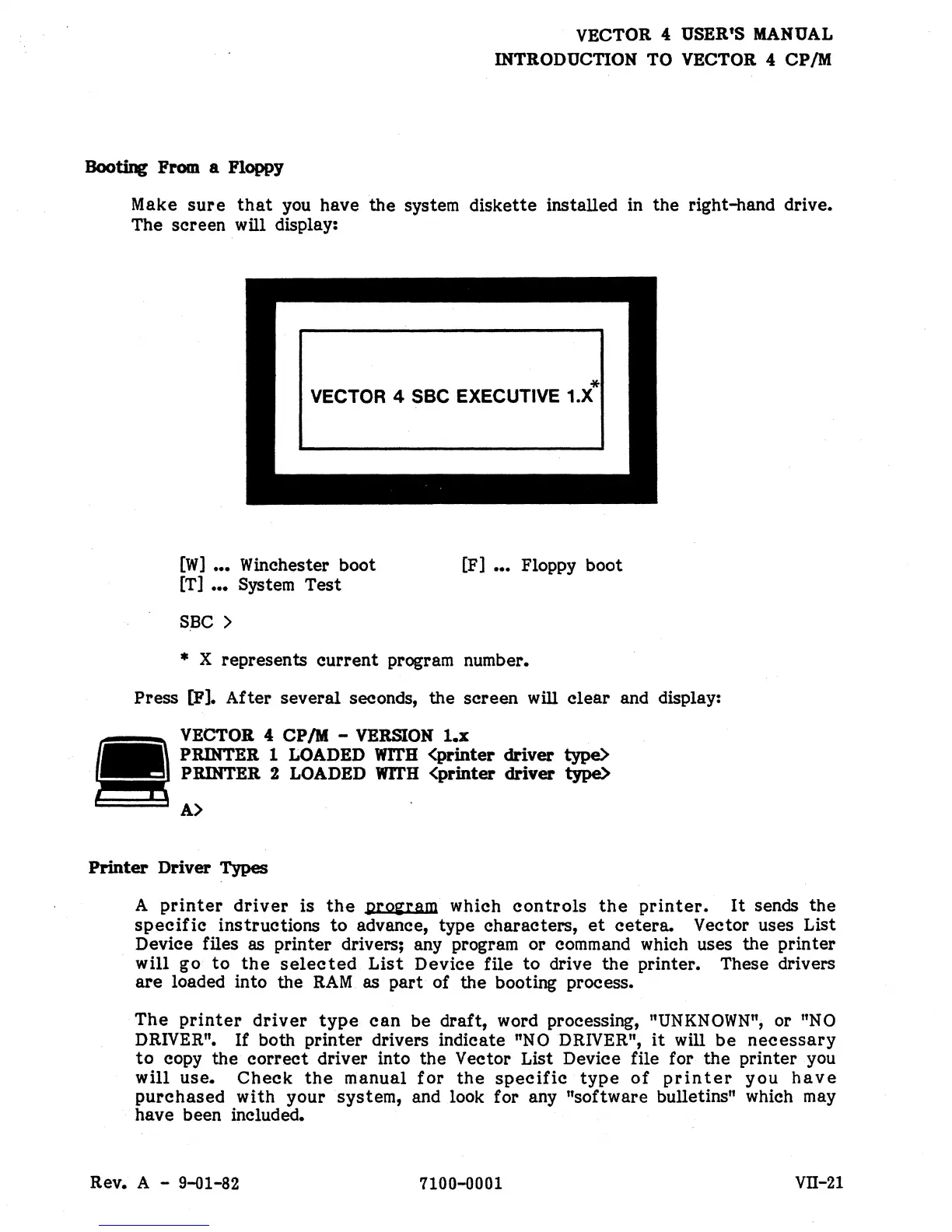
Make
sure
that
you
have
the
system diskette installed in the right-hand drive.
The screen
will display:
*
VECTOR 4 SSC EXECUTIVE 1.X
[W]
•••
Winchester boot
[T]
•••
System Test
S,BC
>
[F]
•••
Floppy boot
* X represents
current
program number.
Press
[Pl.
After several seconds, the screen will
clear
and display:
VECTOR 4
CP
1M
- VERSION
1.x
PRINTER 1 LOADED wrI'H
<printer
driver
type>
PRINTER 2 LOADED WlrH <printer
driver
type>
e:::~::::5
A>
Printer
Driver
Types
A
printer
driver
is
the
prozram
which
controls
the
printer.
It
sends
the
specific
instructions
to
advance, type characters,
et
cetera.
Vector uses List
Device files as printer drivers; any program or command which uses the printer
will go
to
the
selected
List
Device file
to
drive
the
printer. These drivers
are
loaded into the
RAM.
as
part
of the booting process.
The
printer
driver
type
can
be draft, word processing, "UNKNOWN"; or
"NO
DRIVER".
If both printer drivers indicate
"NO
DRIVER",
it
will
be
necessary
to
copy the
correct
driver into the Vector List Device file for
the
printer you
will
use.
Check
the
manual
for
the
specific
type
of
printer
you
have
purchased
with your system, and look for any "software bulletins" which
may
have been included.
Rev. A - 9-01-82
7100-0001
VII-21


 To Next Page
 Loading...