VECTOR
GRAPmC,
INC.
To
select
a
printer,
you
will
use
one
of
several
optionsof
the
CONFIG
command
file. See the
TRANSIENT
COMMANDS
section of this manual
for
a
detailed overview, or
refer
to the Quick Reference Index.
Getting
Around The
Disk
Notice
the
A>
at
the
bottom of the
display_
This indicates that the Console
Command
Processor is ready for input.
It
also
indicates
that
the
operating
system is
currently
set
to
read
or
write
using disk drive A. The system is
said to be "logged in"
on
drive
A,
with Vector 4
CP/M
at
the
command
level.
To
move
to
.
another
disk
drive,
enter
the
letter
of
the
drive
you want,
followed
by
a colon and a [RETURN]. (Be
sure
that
you have a
diskette
installed,
if
you
log
into
a
floppy
drive.)
A
typical
screen
display,
representing a
move
from
drive A
to
drive
B,
would
look like this:
A>B.;.
[RETURN]
B)
From
her~,
you
can
run
any program
or
access
any
fUe
stored
on
drive B.
You
can also give any
resident
command (such as DIR
to
display
the
files
stored
on
the
logged-in drive).
If
you
have just turned
on
and booted your
system,
you
will automatically be
in
user
area
o.
To move
to
another
user
area,
enter
the
command USER I [RETURN] (substituting the user area
you
want for the
4#
sign). Continuing' the screen displayed above, you
end
up with
the
foijowing:
A)B.;.
[RETURN]
B)USER 5 [RETURN]
B>
The
operating
system will
now
write any data that
you
enter to user area 5
of the current disk, until
you
change user areas again.
If
you
are
in
doubt as
to
what user area
you
are
in
at
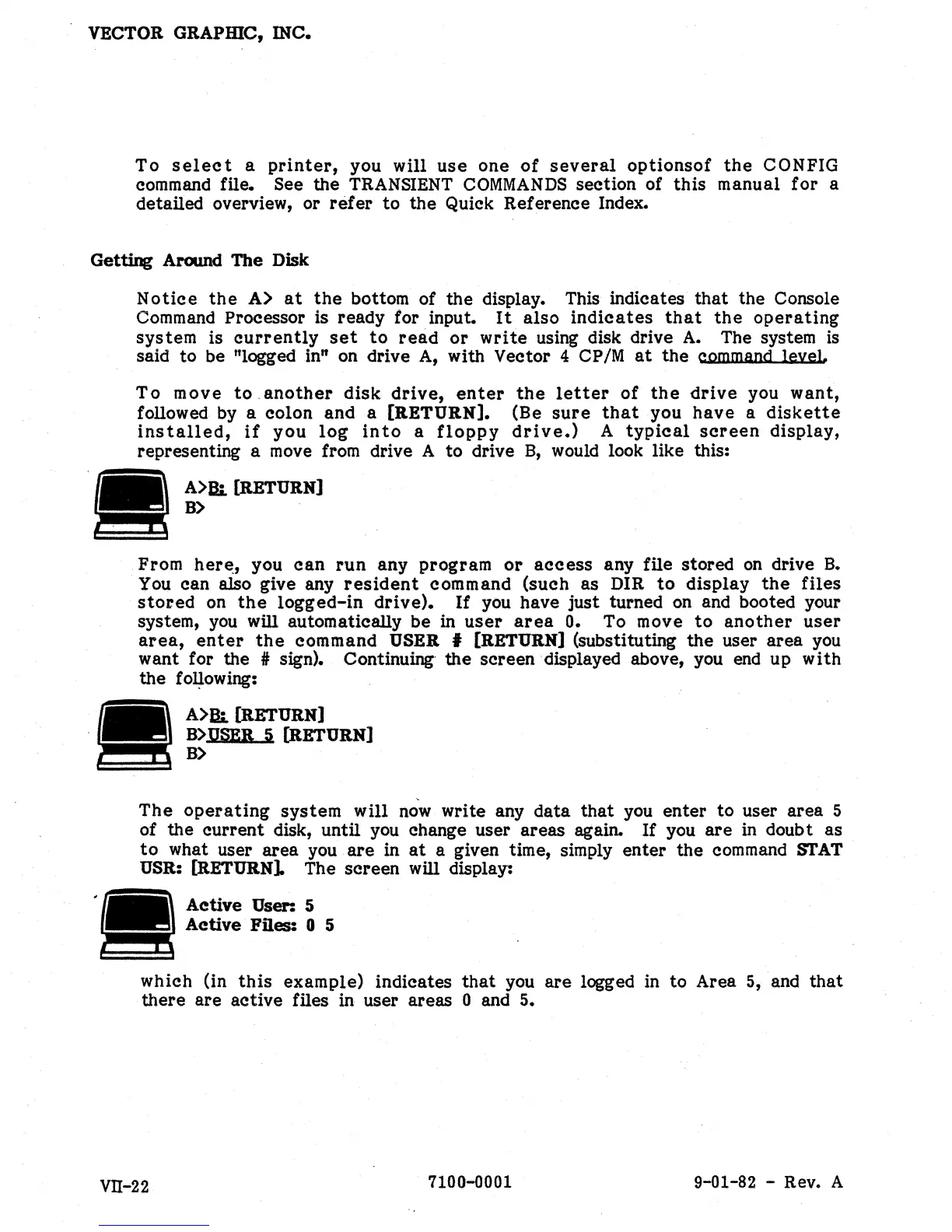
a given time, simply enter the
command
STAT
USR:
(RETURN].
The screen will display:
Active
User: 5
Active
FRes: 0 5
which (in
this
example) indicates
that
you
are
logged in to Area
5,
and that
there are active files
in
user areas 0 and 5.
Vll-22
7100-0001 9-01-82 - Rev. A


 To Next Page
 Loading...