VECTOR GRAPHIC, INC.
The
diskette
is
now
inserted but not yet mounted. Although not good
practice
for
long periods, you
may
leave the diskette like this briefly, and even
turn
the
power
on
or
off.
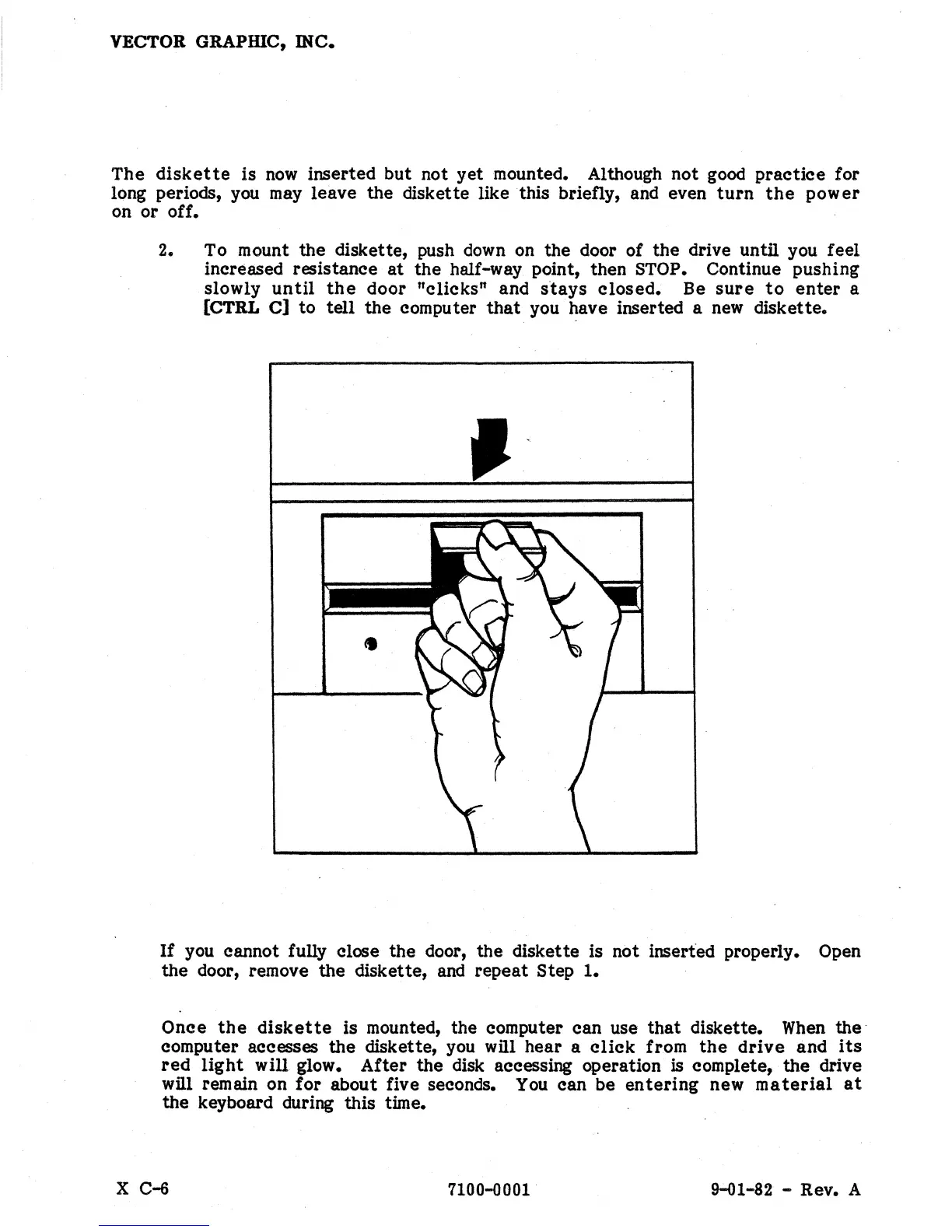
2. To mount the diskette, push
down
on the door of
the
drive until you feel
increased resistance
at
the
half-way point, then STOP. Continue pushing
slowly
until
the
door
"clicks"
and
stays
closed.
Be
sure
to
enter
a
[CTRL
C]
to
tell
the computer
that
you have inserted a
new
diskette.
If
you cannot fully close the door, the diskette is not inserted properly. Open
the
door, remove the diskette,
and
repeat
Step
1.
Once
the
diskette
is mounted, the computer can use
that
diskette.
When
the
computer accesses
the
diskette,
you
will hear a
click
from
the
drive
and
its
red
light
will glow.
After
the disk accessing operation is complete, the drive
will remain on
for
about five seconds.
You
can be
entering
new
material
at
the keyboard during this time.
X C-6
7100-0001
9-01-82 - Rev. A


 To Next Page
 Loading...