VECTOR 4 USER'S MANUAL
STARTING UP YOUR VECTOR 4
Bow To "Boot
n
The Vector 4
1.
If
you
have
been
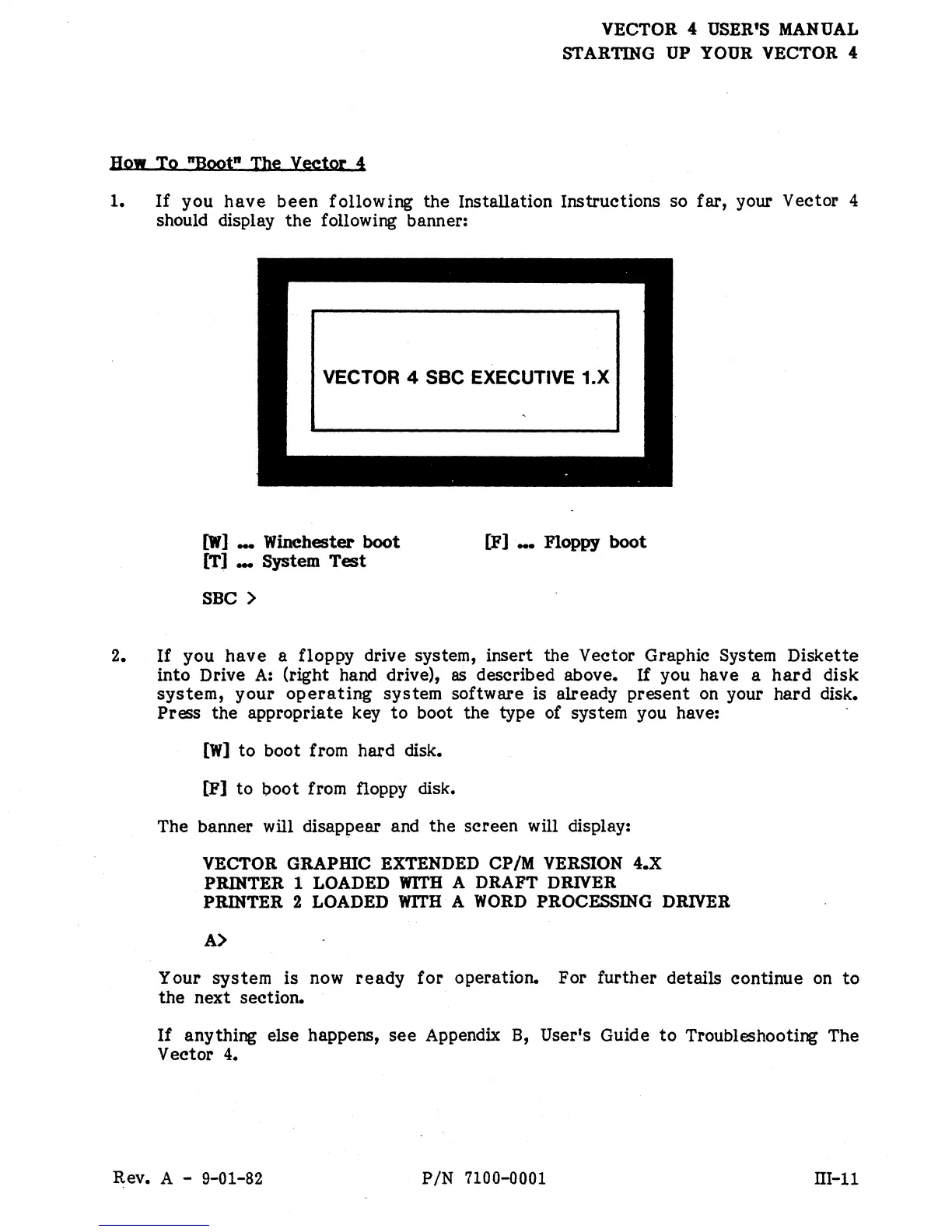
following the Installation Instructions so far, your Vector 4
should display
the
following banner:
VECTOR 4 SSC EXECUTIVE 1.X
[W]
_ Winchester boot
[T] _ System Test
SBC>
[P] _ Floppy boot
2.
If
you
have
a floppy drive system, insert the Vector Graphic System Diskette
into Drive
A:
(right hand drive),
as
described above.
If
you have a
hard
disk
system,
your
operating
system software is already present
on
your hard disk.
Press the appropriate key
to
boot the type of system you have: .
[W]
to
boot from hard disk.
[P] to boot from floppy disk.
The banner will disappear and the screen will display:
VECTOR
GRAPmC
EXTENDED CP/M VERSION
o4.X
PRINTER 1 LOADED WITH A
DRAFT
DRIVER
PRINTER
2 LOADED
WITH
A WORn PROCESSING DRIVER
A>
Your system is now
ready
for
operation. For further details continue
on
to
the next section.
If
anything else happens,
see
Appendix B, User's Guide
to
Troubleshooting The
Vector 4.
Rev. A - 9-01-82
PIN
7100-0001
nI-ll


 To Next Page
 Loading...