3.3 Configuration Programming
Meter setup/calibration is entered by accessing the internal CAL switch on the circuit
board. Once in setup mode, you can exit without saving changes by pressing the same
switch.
3.4 Set Up Keypad Definitions
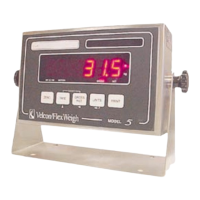
Keypad definitions for the setup and calibration are as follows:
ZERO causes the display to go back to the previous menu step.
TARE advances to the next selection within the F step or increments a digit within
a numeric entry such as calibration weight.
GROSS NET indexes to a specific digit in a numeric display like calibration weight.
PRINT accepts an F step setting and advances to the next step. It also exits from
the setup menu.
UNITS ends the setup process, indicating that the changes are to be saved.


 To Next Page