Page 5
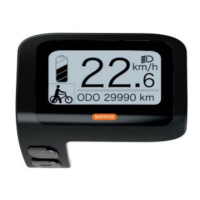
Walk Mode
Press and hold the – (minus) button for 2 seconds and the bike will be
powered to 6kph walking speed, simply release the button to stop. This is
NOT A RIDE function but is a handy function for walking with the bike up
steep inclines.
Reset Trip Meter
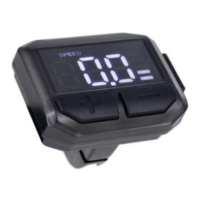
To reset the trip meter, hold the SET button for 2 seconds. A new screen
will now appear. Select the first option, “Trip Clear” and push the SET button
again and choose Y for yes or N for no. Now use the – (minus) button to go
to the last option “Save & Exit” and push SET again.
Adjusting Display Brightness
To adjust the brightness of the display, hold the SET button for 2 seconds.
A new screen will now appear. Select the last option “Brightness” and push
SET button again and choose your preferred brightness level, 5 being the
brightest and 1 being the lowest. Now use the – (minus) button again to go
to the last option “Save & Exit” and push SET again.


 To Next Page