Page 4
LCD Display and Controls
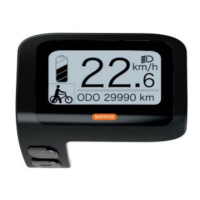
Turn On the LCD Display
To turn the bike on, push and hold the power button for 2 seconds, until the
display lights up and switches on. Do the same to turn the bike off. When
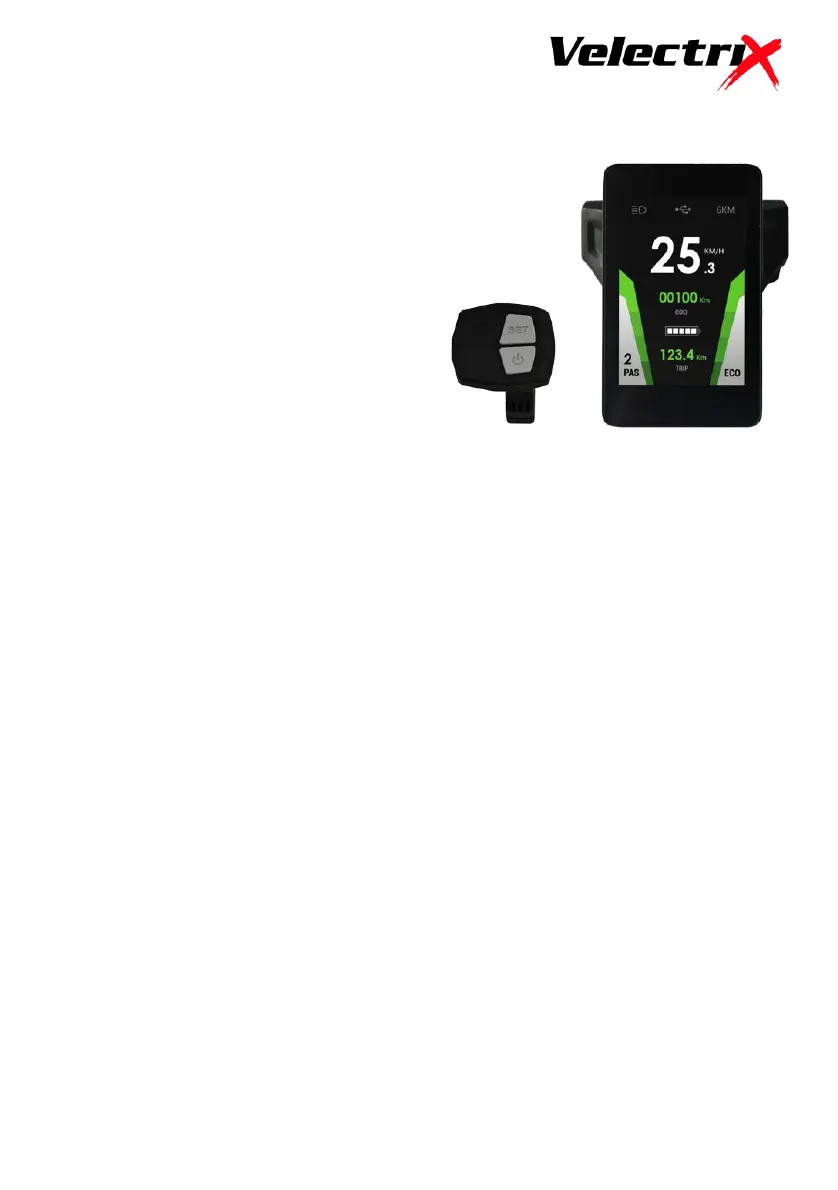
the display is turned on, it will show speed, odometer, trip meter, battery
capacity and level of assisted power PAS (0-3).
Power Assist Adjustment
There are 3 pedal assist riding settings, level 1 is the slowest (approx.
18kph), level 2 (approx. 25kph) and level 3 is the fastest (approx. 32kph).
Simply push the - (minus) and + (plus) buttons to change between the levels
of assist. Pedal assist does not work in level 0 (zero).
Light Operation
Press the Power button to turn the lights on and off.
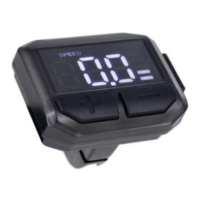
Your electric bike is
equipped with a LCD display
unit, mounted in the middle
of the handlebar and a
separate controller on the
left hand side with 4
buttons: Power, Set, + (plus)
and – (minus)


 To Next Page