EasyManua.ls Logo

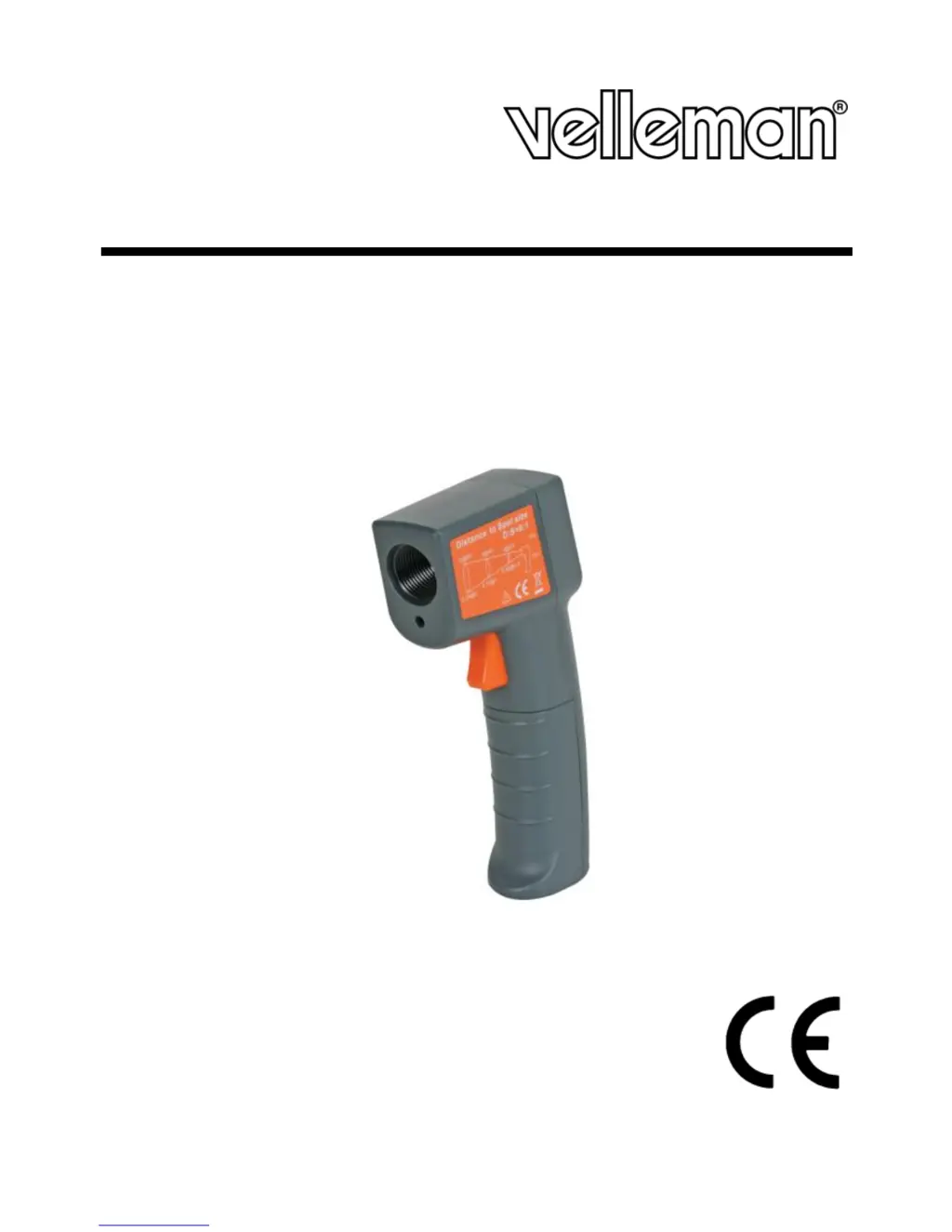
Velleman DVM439 - User Manual

Velleman DVM439
28 pages
Print Icon
To Next Page IconTo Next Page
Loading...
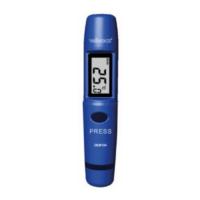
DVM439
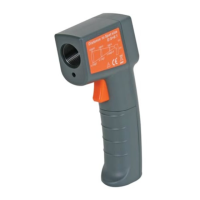
NON-CONTACT INFRARED THERMOMETER
CONTACTLOZE IR-THERMOMETER
THERMOMÈTRE IR SANS CONTACT
TERMÓMETRO IR DE BOLSILLO SIN CONTACTO
BERÜHRUNGSLOSES INFRAROT-THERMOMETER
USER MANUAL 2
GEBRUIKERSHANDLEIDING 6
MODE D'EMPLOI 11
MANUAL DEL USUARIO 16
BEDIENUNGSANLEITUNG 21

Questions and Answers

  • T
    Taylor PorterAug 10, 2025
    What to do if Velleman DVM439 Thermometer displays ‘Er2’?
    • B
      Brent WeeksAug 10, 2025
      If your Velleman Thermometer displays ‘Er2’, it means the device has been exposed to rapid changes in ambient temperature. To resolve this, allow the device to reach the ambient temperature for at least 30 minutes.
  • S
    Sarah McintoshAug 21, 2025
    What to do if Velleman DVM439 Thermometer displays ‘Er3’?
    • T
      Thomas MurrayAug 21, 2025
      If your Velleman Thermometer displays ‘Er3’, it indicates that the ambient temperature is outside of the 0–50 °C range (32–122 °F). Allow the device to reach the ambient temperature for at least 30 minutes.
  • J
    james69Aug 31, 2025
    How to reset Velleman DVM439 if it shows Er5-9?
    • T
      tknoxAug 31, 2025
      If your Velleman Thermometer displays Er5–9, you should reset the device. Here’s how: 1. Wait until the device powers off automatically (about 15 s). 2. Remove the batteries and wait for at least 1 minute. 3. Reinsert the batteries and press the measurement button.

Summary

2. Safety Instructions

Laser Safety Precautions

Warnings and guidelines for safe use of the device's laser pointer to prevent eye damage.

3. General Guidelines

6. Operation

Measurement Procedure

How to aim the device, take measurements, and understand display indicators like MAX and Hold mode.

7. Batteries

8. Troubleshooting

Error Codes and Solutions

Explanation of 'Hi'/'Lo' error messages and how to interpret them based on measurement range.

Advanced Error Codes and Reset

Details on 'Er2', 'Er3', 'Er5-9' error displays and the procedure to reset the device.

9. Cleaning and Maintenance

10. Technical Specifications

Velleman Service and Quality Warranty

Velleman DVM439 Specifications

General IconGeneral
BrandVelleman
ModelDVM439
CategoryThermometer
LanguageEnglish

Related product manuals